
Input
Start Frame
File uploads require configured image storage. A public HTTPS image URL can be used directly.
End Frame
File uploads require configured image storage. A public HTTPS image URL can be used directly.
Describe the image you want to generate.38/20000
image_urls
File 1

File uploads require configured image storage. A public HTTPS image URL can be used directly.
Upload an image file to use as input for the API
Note: when video input is provided, the output duration is determined by the model automatically. This duration parameter will not take effect.
0 / 3
Audio ID list. Up to 3 ID is allowed.
Video ratio
0 / 3
Character ID list. Each character ID uses 1 or 2 image slot. Available character slots: 3/7. Remaining image slots: 5/7.
Output video resolution. Valid values: 720P(default), 1080P, 4k.
0 / 1
Optional video input. Only 1 video is allowed and it uses 2 image slots.
Random seed. Range: [0, 2147483647]. If not specified, the system generates a seed automatically. Fixing the seed can improve reproducibility, but results may still vary due to the model’s stochasticity.
Output
Examples
Explore different use cases and parameter configurations
Explore more Text to Video models
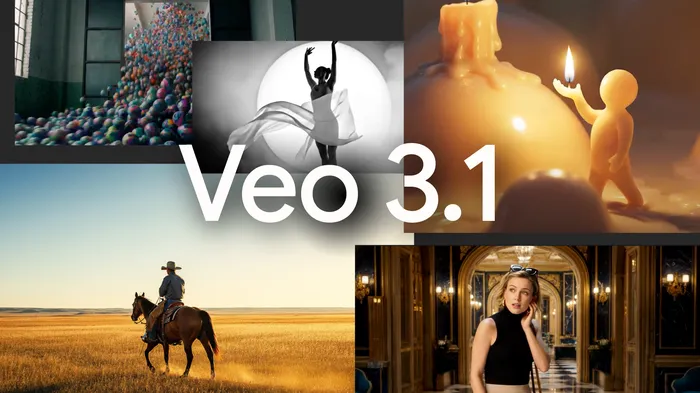
More AI models from Google
Latest and popular AI models
README
Complete guide to using google/gemini-omni-flash-1-1