
Input
Required text prompt describing the desired video. Use “character1”, “character2”, ... in the prompt to refer to the corresponding images in the media array (order matches the array). Max 5,000 non‑Chinese characters or 2,500 Chinese characters; extra content is truncated.348/5000
reference_image
File 1
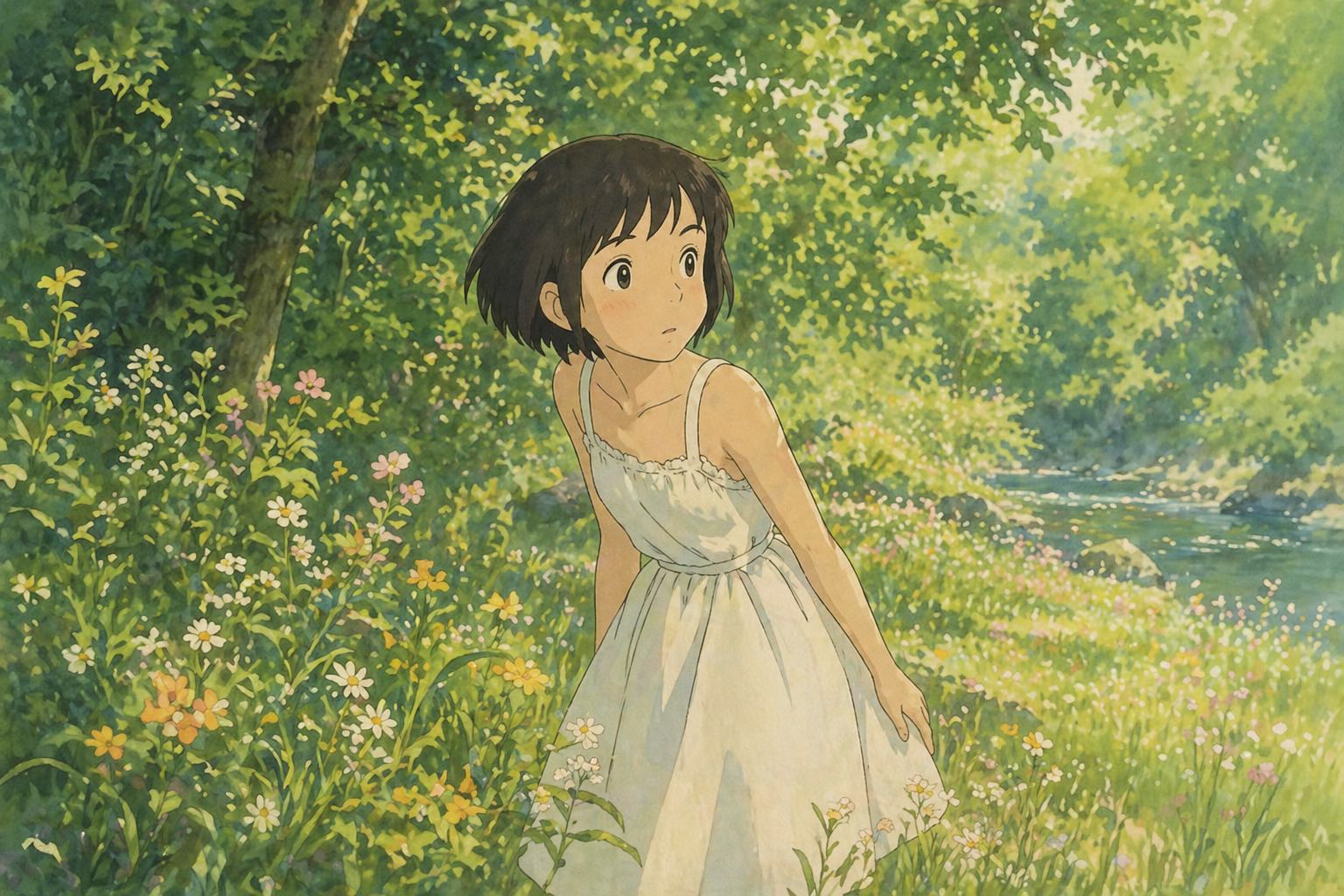
File 2

File uploads require configured image storage. A public HTTPS image URL can be used directly.
Reference image URL list. Provide 1–9 images. The order defines which image is character1, character2, etc. Minimum resolution: short side ≥ 400px; 720p+ clear images are recommended. Avoid small, blurry, or heavily compressed images, as they may degrade results.
Output video resolution. Valid values: 720P, 1080P (default).
Output aspect ratio. Valid values: 16:9 (default), 9:16, 1:1, 4:3, 3:4.
Output duration in seconds (integer). Must be between 3 and 15. Defaults to 5.
Random seed. Range: [0, 2147483647]. If not specified, the system generates a seed automatically. Fixing the seed can improve reproducibility, but results may still vary due to the model’s stochasticity.
Output
Examples
Explore different use cases and parameter configurations
Explore more Text to Video models
Latest and popular AI models
README
Complete guide to using happyhorse/reference-to-video