
Input
The prompt to generate the image with
image_url
File 1
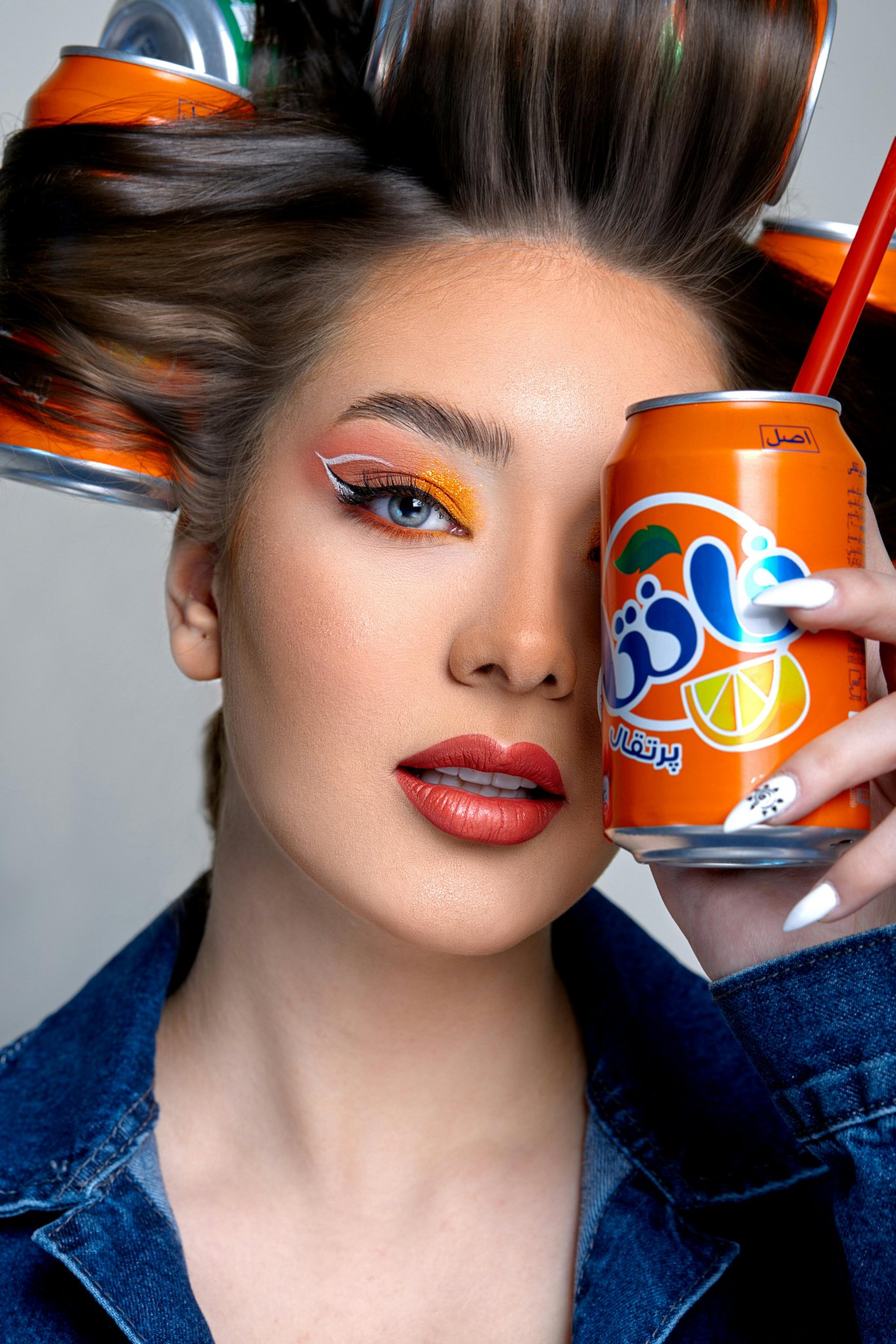
File uploads require configured image storage. A public HTTPS image URL can be used directly.
The URL of the image to edit.
Acceleration level for image generation. Options: 'none', 'regular'. Higher acceleration increases speed. 'regular' balances speed and quality. Default value: "none"
The size of the generated image. Default value: landscape_4_3
The number of inference steps to perform. Default value: 30
The same seed and the same prompt given to the same version of the model will output the same image every time.
The CFG (Classifier Free Guidance) scale is a measure of how close you want the model to stick to your prompt when looking for a related image to show you. Default value: 4
If set to true, the function will wait for the image to be generated and uploaded before returning the response. This will increase the latency of the function but it allows you to get the image directly in the response without going through the CDN.
If set to true, the safety checker will be enabled. Default value: true
The format of the generated image. Default value: "png"
The negative prompt for the generation Default value: " "
A configurable parameter. Defaults to true in the Playground.
Output
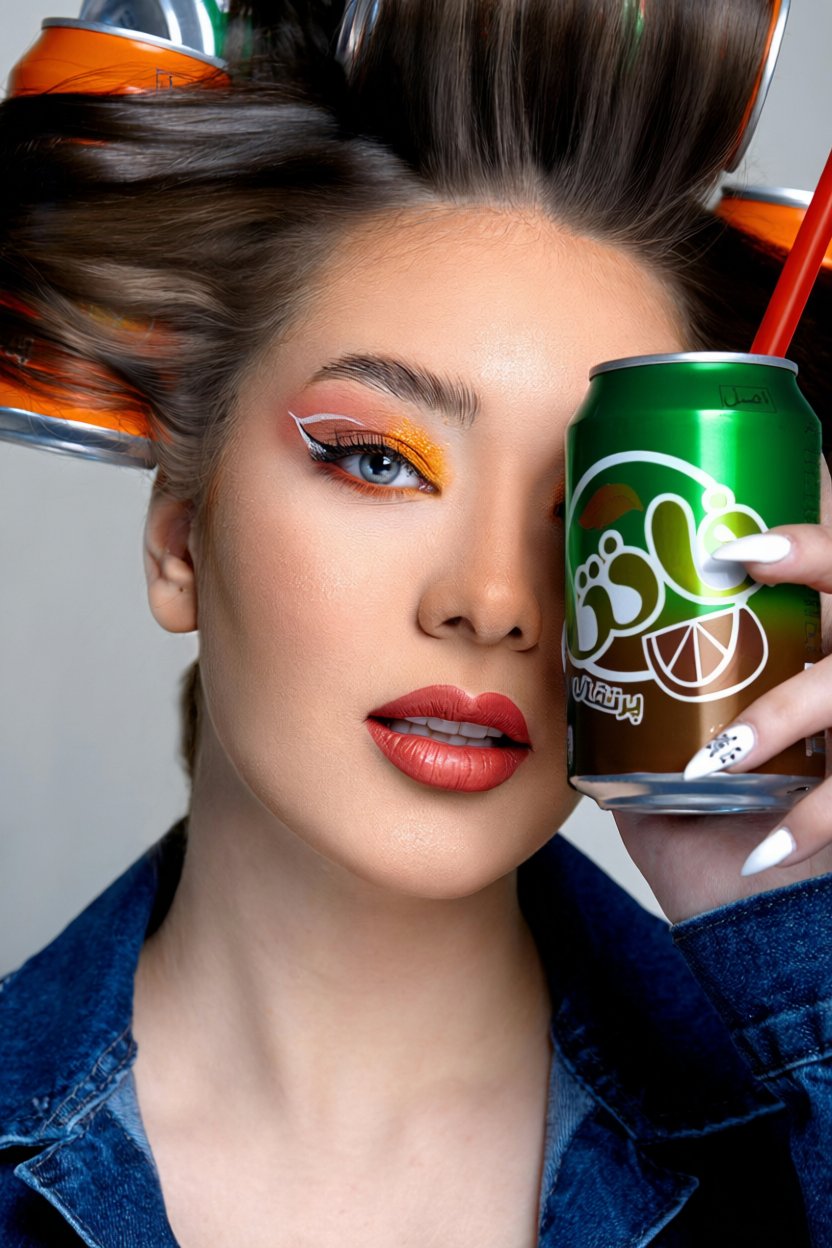
Examples
Explore different use cases and parameter configurations
Explore more Image to Image models

More AI models from Qwen


Latest and popular AI models
README
Complete guide to using qwen/image-edit