
Input
image_urls
File 1
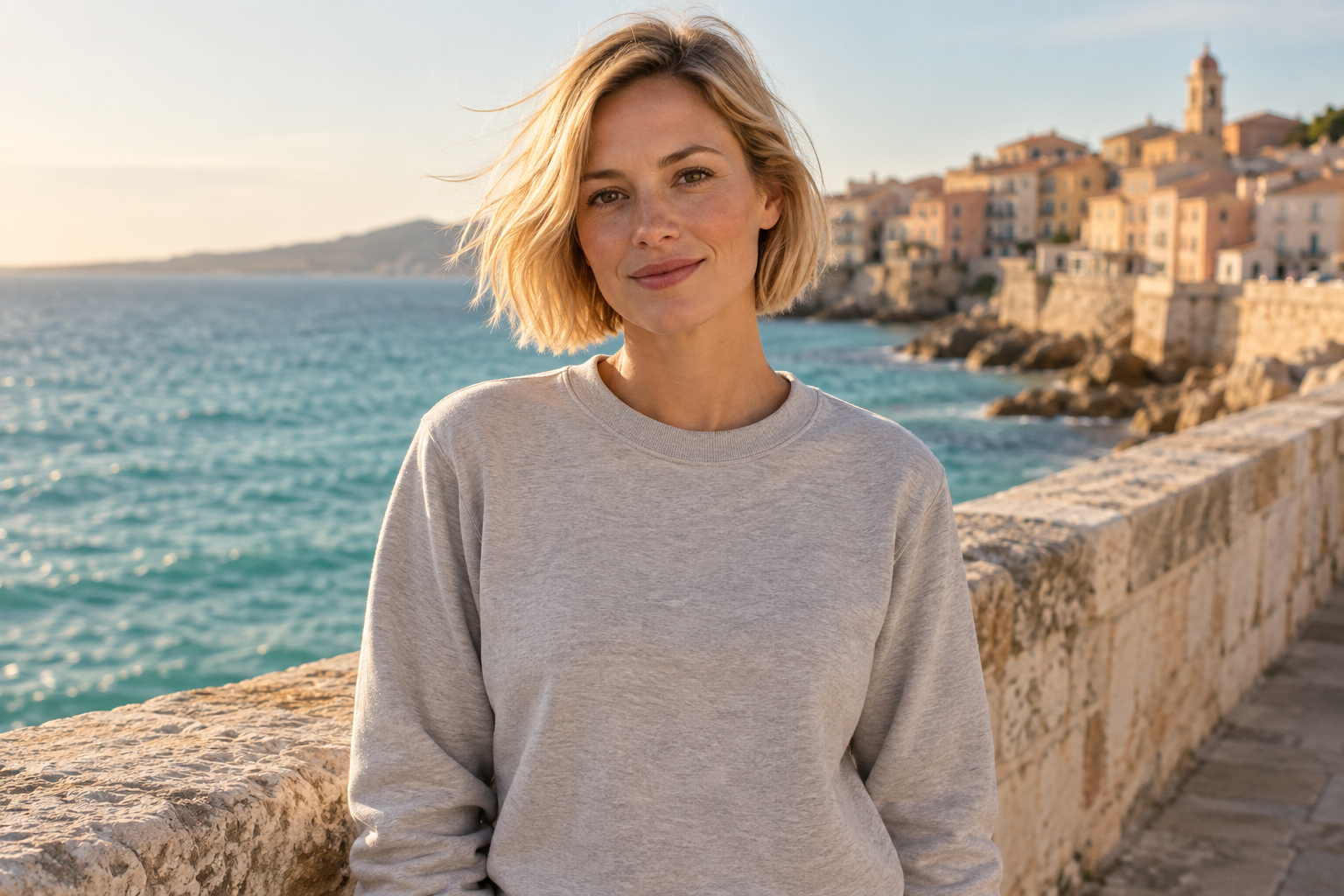
File uploads require configured image storage. A public HTTPS image URL can be used directly.
Reference images, 1 to 10 of them. Their order is the order the prompt refers to ("the first image", "the second image"). JPEG, PNG and WebP are supported, up to 30MB and 25MP each. The more references you add the less detail each one keeps, so stay within 4 when fidelity matters. When combining several people or objects into one picture, a landscape ratio such as 3:2 or 16:9 usually works better.
Describe what you want the result to look like. Any language is supported, up to 5000 characters. When a mask is uploaded, describe what should be generated inside the white area instead.549/5000
mask_url
File 1

File uploads require configured image storage. A public HTTPS image URL can be used directly.
Optional inpainting mask, which switches the request to local-edit mode. A black and white image where white marks the area to change and black stays untouched. It must be used with exactly one reference image, should have the same aspect ratio as that image, and cannot be combined with a transparent background. In local-edit mode the output ratio follows the reference image, so the aspect ratio and prompt rewriting settings are ignored.
Output aspect ratio. Defaults to auto, which takes the aspect ratio of the first reference image and snaps it to the nearest supported ratio. Ignored in local-edit mode.
Output resolution tier. Only 1K and 2K are supported. 2K takes noticeably longer to generate.
Background type. transparent outputs a PNG or WebP with a real alpha channel and cannot be used with JPEG. When using transparent, describe only the subject — prompts that mention a background, scene, surface, etc. may produce a non-transparent result.
Output image format. JPEG has no alpha channel, so it cannot be combined with a transparent background.
Rewrites the prompt into a fuller scene description before generating, which noticeably improves quality. Enabled by default (also when the parameter is omitted); pass false to turn it off.
The same seed with the same prompt and parameters reproduces the same image on the same model version. The seed actually used is returned with the result.
A configurable parameter. Defaults to true in the Playground.
Output
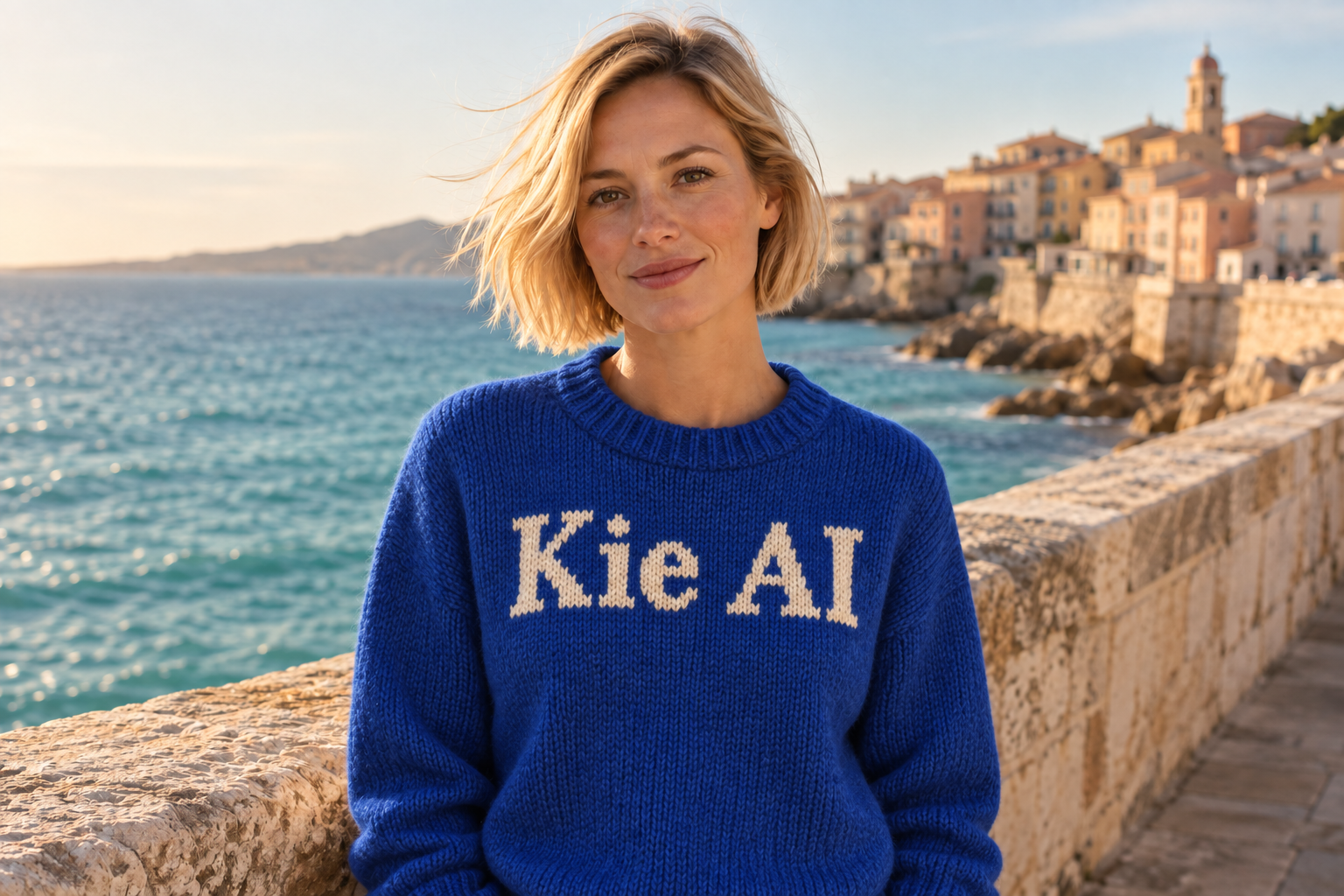
Examples
Explore different use cases and parameter configurations
Explore more Image to Image models
Latest and popular AI models
README
Complete guide to using qwen2-1/image-to-image