Loading model…正在加载模型详情…

 OpenAI
用 OpenAI 的 GPT Image 1.5 根据文字生成图片,探索更贴合指令的构图和清晰的图中文字。
- $0.03 起 / 张
- Medium 或 High
- 1:1 或 3:2 或 2:3
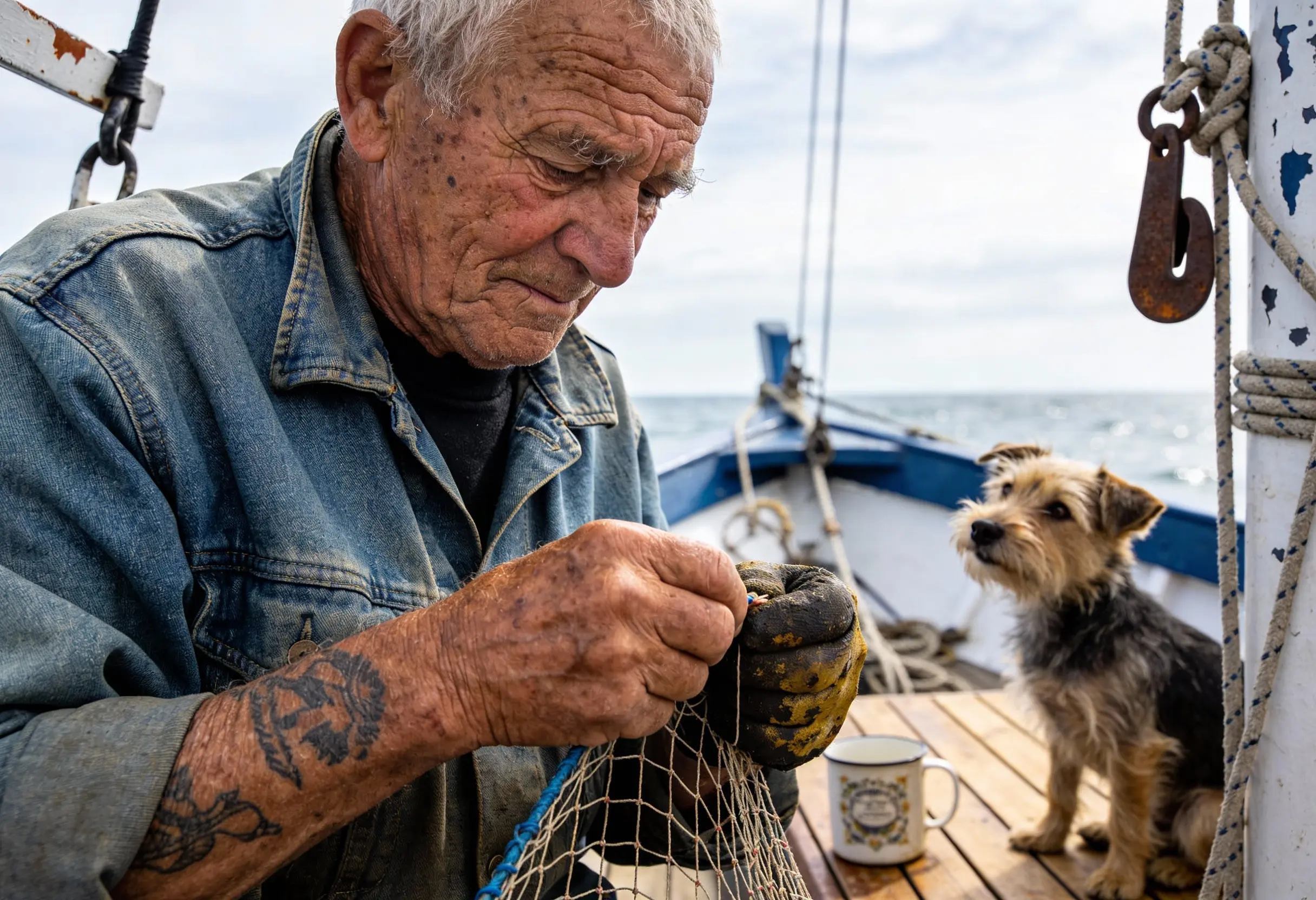
示例
Create a photorealistic candid photograph of an elderly sailor standing on a small fishing boat. He has weathered skin with visible wrinkles, pores, and sun texture, and a few faded traditional sailor tattoos on his arms. He is calmly adjusting a net while his dog sits nearby on the deck. Shot like a 35mm film photograph, medium close-up at eye level, using a 50mm lens. The image should feel honest and unposed, with real skin texture, worn materials, and everyday detail. No glamorization, no heavy retouching.
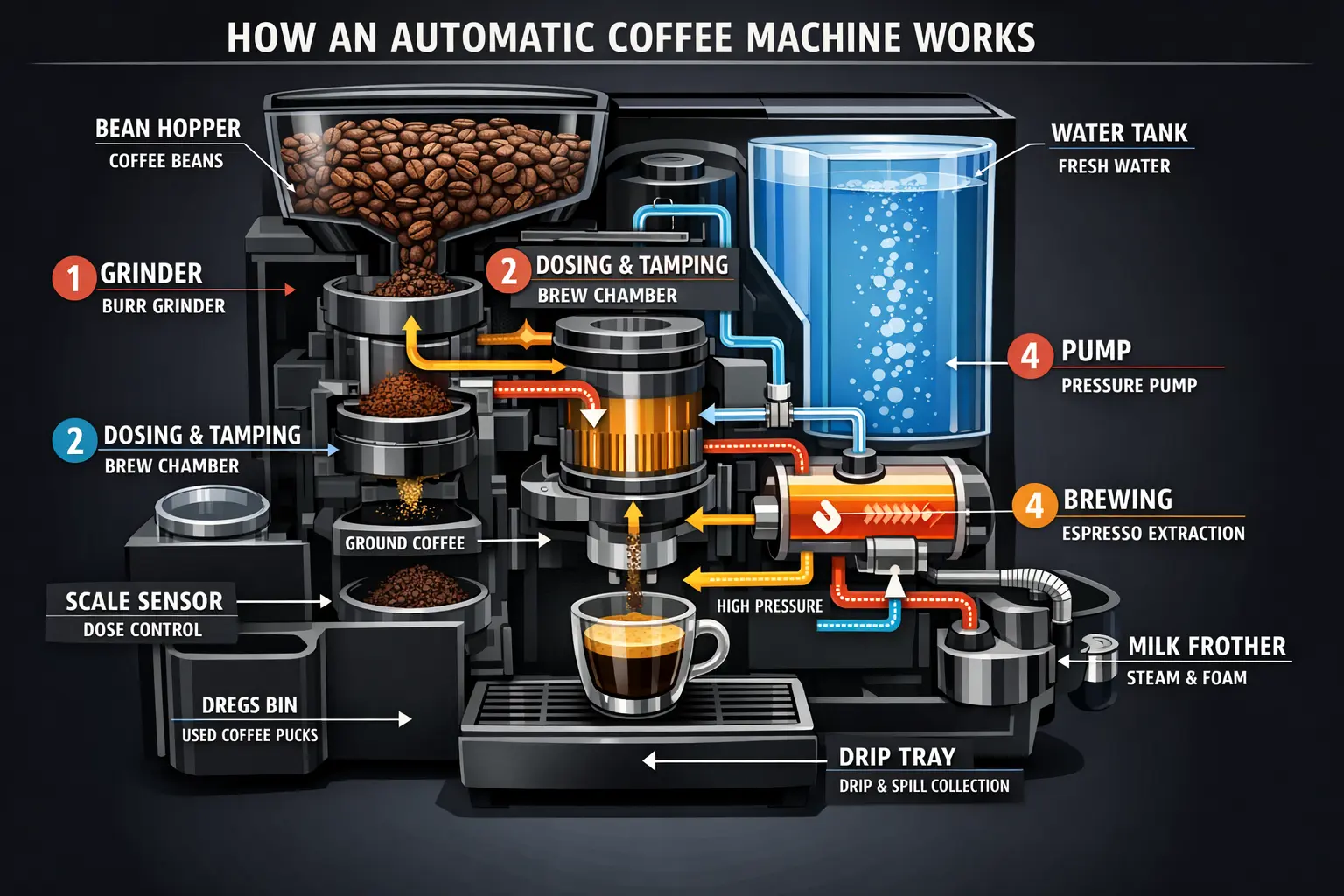
Create a detailed Infographic of the functioning and flow of an automatic coffee machine like a Jura. From bean basket, to grinding, to scale, water tank, boiler, etc. I'd like to understand technically and visually the flow.
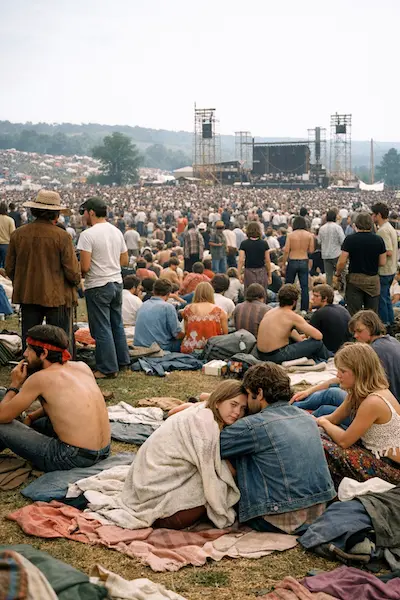
Create a realistic outdoor crowd scene in Bethel, New York on August 16, 1969. Photorealistic, period-accurate clothing, staging, and environment.
GPT Image 1.5 是什么?
GPT Image 1.5 是 OpenAI 的图片生成模型。OpenAI 的介绍强调指令遵循、图中文字呈现和逼真视觉细节方面的改进。
UniRoute 提供文生图版本,接受文字提示词,以及将质量档位与宽高比组合在一起的规格选项。工作区列出了可用的质量档位和画幅,每次请求先报价、后运行。
OpenAI 介绍称,GPT Image 1.5 相较早期 ChatGPT 图片模型改进了画面保真度和指令遵循能力。下方也列出了同一系列的 GPT Image 2 和 GPT Image 2.5,便于比较。
可以做什么
目前通过 UniRoute 使用 GPT Image 1.5 可以做什么。
文生图
描述主体、版式、风格以及需要出现在图中的文字,选择质量与宽高比组合,查看报价后生成。
GPT Image 1.5 的其他模式(图片编辑和基于参考图的风格变换)暂未在 UniRoute 开放。
规格与版本
可调用的版本,以及各自的选项和价格。
| 版本 | 模型 ID | 模式 | 输入 | 输出 | 价格 |
|---|---|---|---|---|---|
| GPT Image 1.5 | gpt-image/1.5-text-to-image | 文生图 | 文字提示词和画质与宽高比选项 | 画质:Medium、High;宽高比:1:1、3:2、2:3 | $0.03 至 $0.14 / 次请求 |
价格
按请求计价,所选规格决定价格。
| GPT Image 1.5 | |
|---|---|
| Medium · 1:1 | $0.03 |
| Medium · 3:2 | $0.03 |
| Medium · 2:3 | $0.03 |
| High · 1:1 | $0.14 |
| High · 3:2 | $0.14 |
| High · 2:3 | $0.14 |
金额四舍五入到分;工作区中的实时报价显示精确金额。价格更新于 2026-11-08。
按用量计费,统一使用一个美元钱包余额。每次请求前都会先看到报价。
API
用媒体 API 在你自己的代码里调用 GPT Image 1.5。
cURL
# Requires bash, curl and jq. Set API_KEY to your own unified UniRoute Key.set -euo pipefail: "${API_KEY:?Set API_KEY first}"BASE='https://api.uniroute.app/v1/media'MODEL='gpt-image/1.5-text-to-image'OPTION='medium:1:1'PROMPT='A calm sunrise over a mountain lake'curl -fsS --max-time 60 "$BASE/catalog" -H "Authorization: Bearer $API_KEY" | jq -e '.data.models'BODY=$(jq -n --arg model "$MODEL" --arg option "$OPTION" --arg prompt "$PROMPT" '{model:$model,option:$option,prompt:$prompt}')QUOTE_BODY=$(printf '%s' "$BODY" | jq '{model,option}')QUOTE=$(curl -fsS --max-time 60 "$BASE/quote" -H "Authorization: Bearer $API_KEY" -H 'Content-Type: application/json' -d "$QUOTE_BODY")CAP=$(printf '%s' "$QUOTE" | jq -er '.data.quoted_usd')BODY=$(printf '%s' "$BODY" | jq --arg cap "$CAP" '. + {max_cost_usd:$cap}')IDEMPOTENCY="example-$(date +%s)-$$"create() { curl -fsS --max-time 60 "$BASE/tasks" -H "Authorization: Bearer $API_KEY" -H "Idempotency-Key: $IDEMPOTENCY" -H 'Content-Type: application/json' -d "$BODY"; }TASK_ID=$(create | jq -er '.data.task_id')# The same request and idempotency key must return the original task without charging again.REPLAY_ID=$(create | jq -er '.data.task_id')[ "$TASK_ID" = "$REPLAY_ID" ]for attempt in $(seq 1 120); do TASK=$(curl -fsS --max-time 60 "$BASE/tasks/$TASK_ID" -H "Authorization: Bearer $API_KEY") printf '%s' "$TASK" | jq -e '.data | {task_id,status,billing}' if printf '%s' "$TASK" | jq -e '.data.status == "success" and .data.billing.state == "charged"' >/dev/null; then index=0 while IFS= read -r url; do index=$((index+1)) curl -fL --max-time 120 "$url" -o "$TASK_ID-$index.bin" done < <(printf '%s' "$TASK" | jq -er '.data.urls[].url') break fi if printf '%s' "$TASK" | jq -e '.data.status == "failed" and .data.billing.state == "released"' >/dev/null; then exit 1; fi if [ "$attempt" = 120 ]; then echo "Polling limit reached. Keep task ID $TASK_ID and query it later; do not create a new task." >&2 exit 1 fi sleep 5donecurl -fsS --max-time 60 "$BASE/tasks?limit=20" -H "Authorization: Bearer $API_KEY" | jq -e '.data'# Check this task and the caller Key in Console usage; billing.charged_usd is the actual USD charge.参数
| 名称 | 位置 | 说明 |
|---|---|---|
model | 请求体 | 要运行的模型 ID。 |
option | 请求体 | 该模型提供的规格之一:medium:1:1, medium:3:2, medium:2:3, high:1:1, high:3:2, high:2:3。 |
prompt | 请求体 | 描述要生成内容的文字提示词。 |
max_cost_usd | 请求体 | 本次任务的最高费用(美元),取自报价。 |
Idempotency-Key | 请求头 | 每个任务唯一的键;重复请求会返回原任务,不会重复扣费。 |
相关指南
适用场景
GPT Image 1.5 的常见用法。
海报与信息图
指定文案和版式,探索需要在图中呈现清晰文字的设计。
产品与品牌配图
描述材质、光照和构图,起草产品概念、活动配图和品牌素材。
界面概念图
描述页面版式及其文字内容,在细化设计前先起草一版视觉方案。
常见问题
关于 GPT Image 1.5 的常见问题。
GPT Image 1.5 是什么?
GPT Image 1.5 是 OpenAI 的图片生成模型。OpenAI 的介绍强调指令遵循、图中文字呈现和逼真视觉细节方面的改进。
可以选择哪些设置?
可以在工作区选择质量档位与宽高比。规格和价格表列出了全部可用组合,当前没有独立的分辨率设置。
GPT Image 1.5 多少钱?
$0.03 起 / 张。每次请求按所选版本和规格报价。完整价格表见“价格”一节(价格更新于 2026-11-08)。
当前可以使用哪种模式?
本页列出的版本均根据文字提示词生成新图片,工作区只展示当前目录开放的规格。
怎样用代码调用 GPT Image 1.5?
使用媒体 API:先对所选模型和规格请求报价,再带上 Idempotency-Key 和最高费用创建任务,然后轮询任务直到结果就绪。“API”一节给出了完整示例和参数说明。
有免费试用或免费额度吗?
没有。生成费用从你的钱包余额中扣除。你可以直接打开工作区查看价格,注册账号后可看到针对当前设置的实时报价,只有被接受的请求才会计费。
相关模型
其他版本、同一提供商的模型以及可替代的模型。