Loading model…正在加载模型详情…

 OpenAI
用 OpenAI 的 GPT Image 2.5 根据文字创作图片,选择 Flare 或 Sunburst,探索细节丰富、构图讲究的画面。
- $0.02 起 / 张
- 1K 至 4K
- 1:1 或 16:9

示例
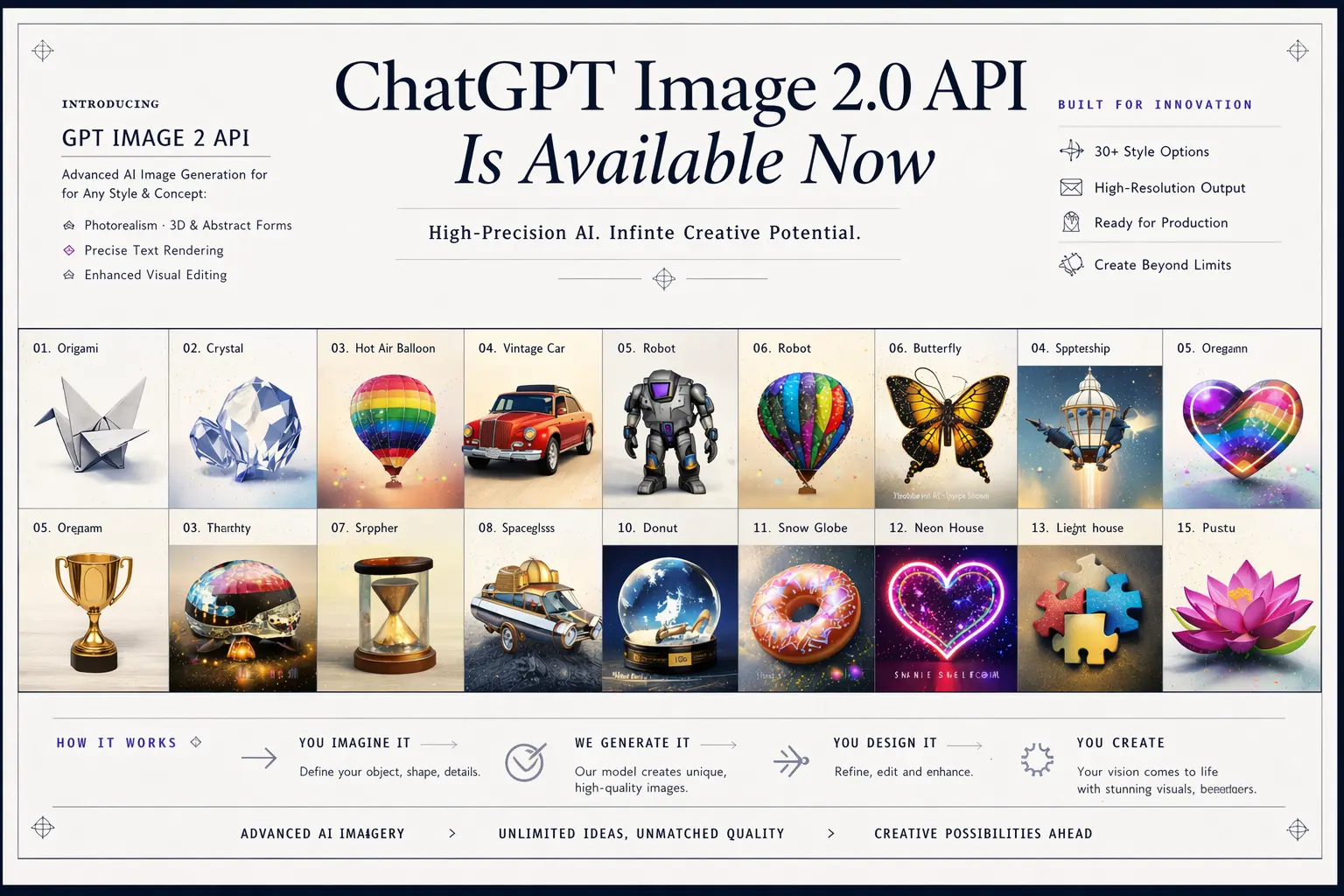
Create a polished promotional visual showing GPT Image 2.5 API working through {{appName}} as part of a connected creative workflow. Build the scene around a few large interactive visual modules: a prompt input, a reference image, a refined image result, and a precise editing step. Connect them with elegant flowing paths, subtle arrows, floating image cards, and soft interface cues that make the composition feel active and responsive. Keep GPT Image 2.5 API as the visual focus, while {{appName}} appears only as a small supporting platform element. Use bright lighting, refined depth, premium interface styling, soft gradients, and visually rich image examples without crowding the scene with text.

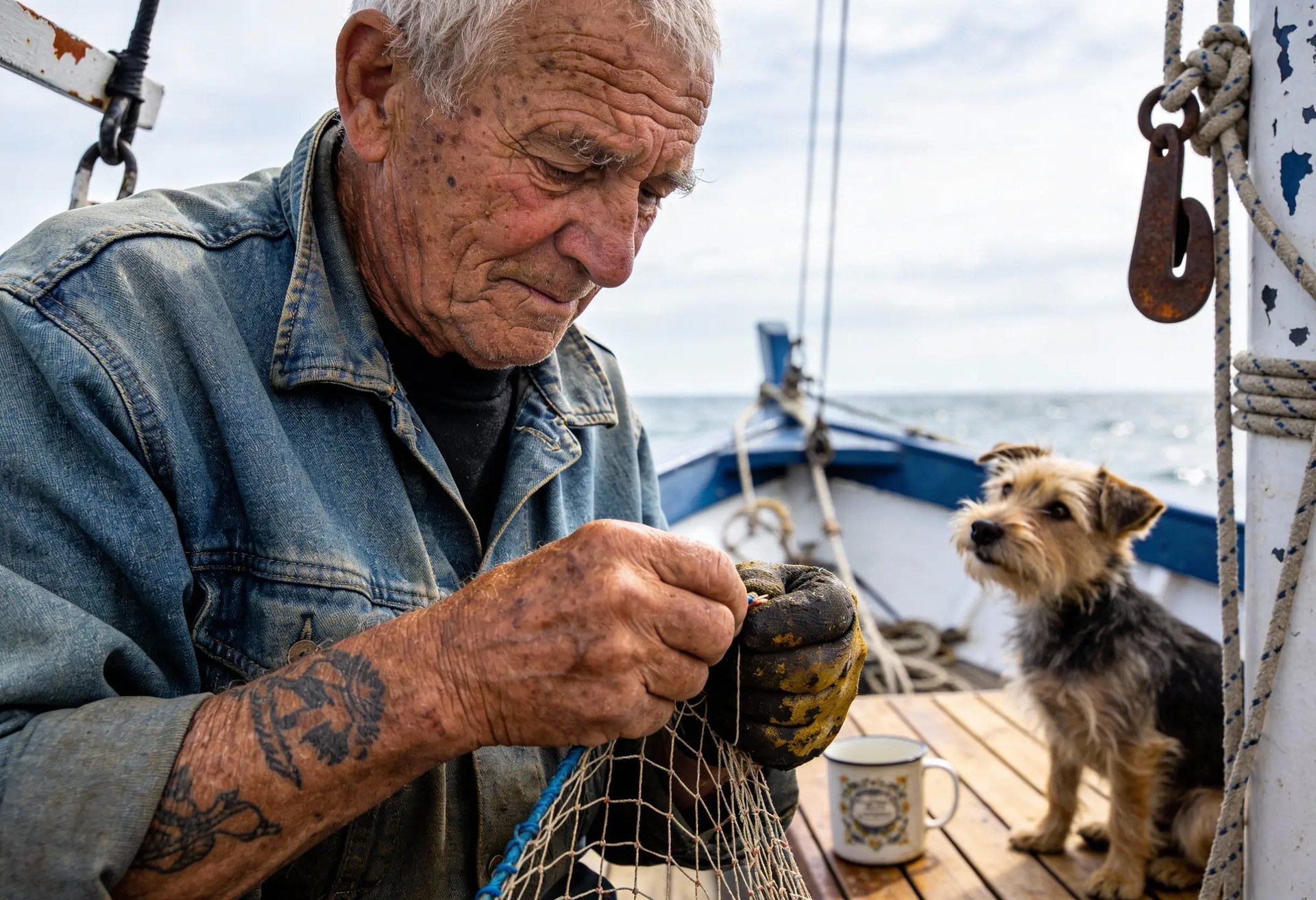
Create a refined editorial portrait of a young woman standing near a large sunlit window in a modern interior. She wears an elegant cream blouse with soft fabric texture and subtle jewelry. Natural daylight creates delicate highlights across her face and hair, while the background falls into a gentle blur. Preserve realistic skin texture, individual hair strands, natural facial proportions, soft fabric folds, and subtle reflected light. The image should feel like a premium fashion editorial photograph rather than an overly retouched AI portrait.
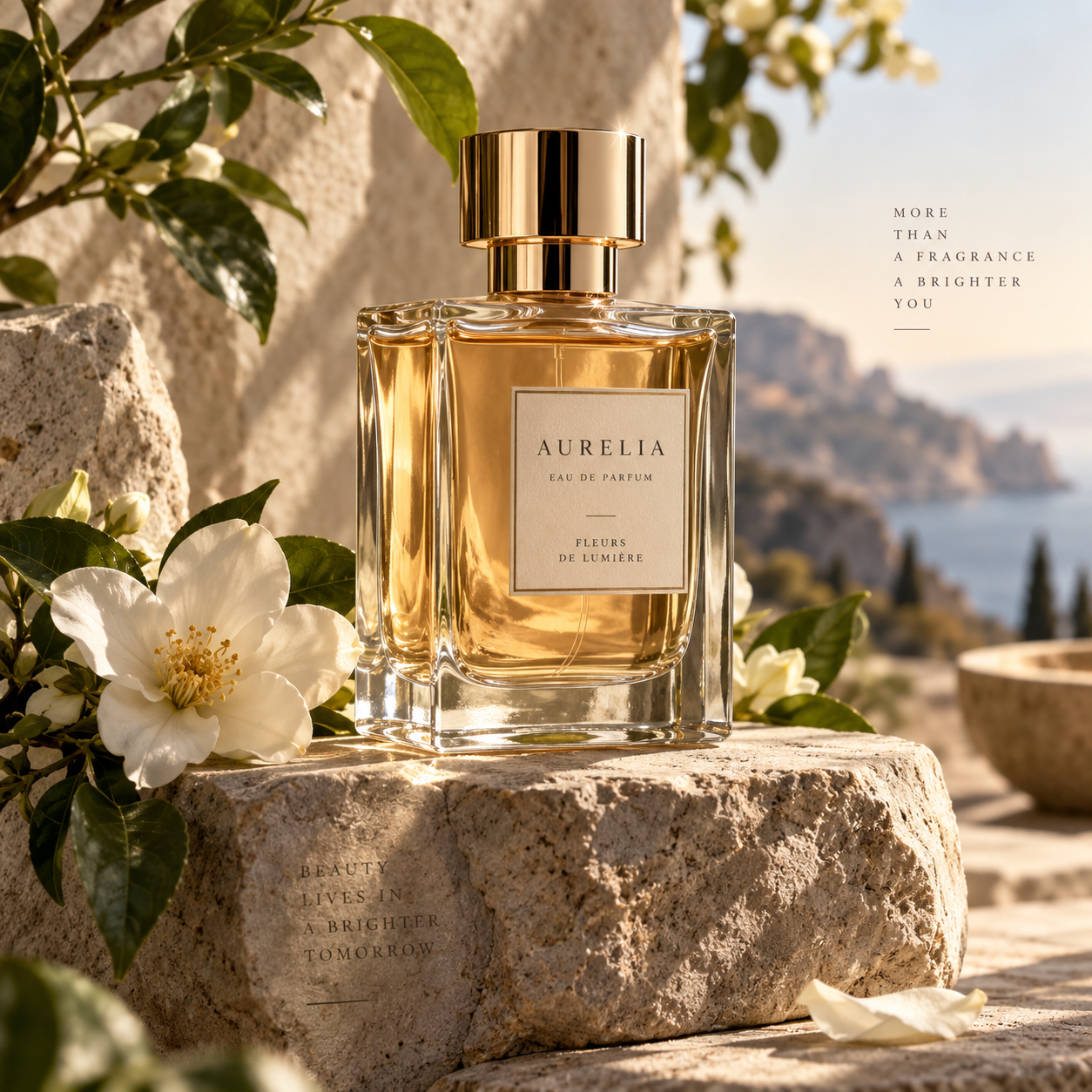
Create a premium fragrance campaign image featuring an elegant transparent perfume bottle filled with pale amber liquid, placed on a textured stone pedestal surrounded by soft white flowers and fresh green leaves. Warm natural light enters from the side, creating realistic reflections through the glass and gentle shadows across the scene. Render the glass thickness, liquid refraction, metallic cap, flower petals, stone texture, and subtle surface imperfections with high visual fidelity. Keep the composition luxurious, balanced, and suitable for a high-end beauty campaign.
GPT Image 2.5 是什么?
GPT Image 2.5 是 OpenAI 的图片生成与编辑系列。OpenAI 介绍称,它改进了画面细节、自然光照、材质纹理和复杂视觉指令的理解。
UniRoute 提供 Flare 和 Sunburst 的文生图版本,接受提示词和将分辨率与宽高比合并的规格选项。Flare 的起步价格更低;OpenAI 将 Sunburst 定位于更精细的创意制作。
GPT Image 2.5 是 GPT Image 2 的后续系列。OpenAI 介绍称,新系列改进了视觉质量和指令遵循;你可以在本页比较当前可调用的文生图版本。
可以做什么
目前通过 UniRoute 使用 GPT Image 2.5 可以做什么。
文生图
描述图片的主体、风格、构图以及需要呈现的文字,选择可用规格,查看报价后再运行。
GPT Image 2.5 的其他模式(图片编辑、参考图创作和多轮修改)暂未在 UniRoute 开放。
规格与版本
可调用的版本,以及各自的选项和价格。
| 版本 | 模型 ID | 模式 | 输入 | 输出 | 价格 |
|---|---|---|---|---|---|
| GPT Image 2.5 Flare | gpt-image-2-5-flare-text-to-image | 文生图 | 文字提示词和尺寸选项 | 分辨率:1K、2K、4K;宽高比:1:1、16:9 | $0.02 至 $0.10 / 次请求 |
| GPT Image 2.5 Sunburst | gpt-image-2-5-sunburst-text-to-image | 文生图 | 文字提示词和尺寸选项 | 分辨率:1K、2K、4K;宽高比:1:1、16:9 | $0.04 至 $0.10 / 次请求 |
价格
按请求计价,所选规格决定价格。
| GPT Image 2.5 Flare | |
|---|---|
| 1K · 1:1 | $0.02 |
| 1K · 16:9 | $0.02 |
| 2K · 1:1 | $0.06 |
| 2K · 16:9 | $0.06 |
| 4K · 1:1 | $0.10 |
| 4K · 16:9 | $0.10 |
| GPT Image 2.5 Sunburst | |
|---|---|
| 1K · 1:1 | $0.04 |
| 1K · 16:9 | $0.04 |
| 2K · 1:1 | $0.06 |
| 2K · 16:9 | $0.06 |
| 4K · 1:1 | $0.10 |
| 4K · 16:9 | $0.10 |
金额四舍五入到分;工作区中的实时报价显示精确金额。价格更新于 2026-11-08。
按用量计费,统一使用一个美元钱包余额。每次请求前都会先看到报价。
API
用媒体 API 在你自己的代码里调用 GPT Image 2.5。
cURL
# Requires bash, curl and jq. Set API_KEY to your own unified UniRoute Key.set -euo pipefail: "${API_KEY:?Set API_KEY first}"BASE='https://api.uniroute.app/v1/media'MODEL='gpt-image-2-5-sunburst-text-to-image'OPTION='1K:1:1'PROMPT='A calm sunrise over a mountain lake'curl -fsS --max-time 60 "$BASE/catalog" -H "Authorization: Bearer $API_KEY" | jq -e '.data.models'BODY=$(jq -n --arg model "$MODEL" --arg option "$OPTION" --arg prompt "$PROMPT" '{model:$model,option:$option,prompt:$prompt}')QUOTE_BODY=$(printf '%s' "$BODY" | jq '{model,option}')QUOTE=$(curl -fsS --max-time 60 "$BASE/quote" -H "Authorization: Bearer $API_KEY" -H 'Content-Type: application/json' -d "$QUOTE_BODY")CAP=$(printf '%s' "$QUOTE" | jq -er '.data.quoted_usd')BODY=$(printf '%s' "$BODY" | jq --arg cap "$CAP" '. + {max_cost_usd:$cap}')IDEMPOTENCY="example-$(date +%s)-$$"create() { curl -fsS --max-time 60 "$BASE/tasks" -H "Authorization: Bearer $API_KEY" -H "Idempotency-Key: $IDEMPOTENCY" -H 'Content-Type: application/json' -d "$BODY"; }TASK_ID=$(create | jq -er '.data.task_id')# The same request and idempotency key must return the original task without charging again.REPLAY_ID=$(create | jq -er '.data.task_id')[ "$TASK_ID" = "$REPLAY_ID" ]for attempt in $(seq 1 120); do TASK=$(curl -fsS --max-time 60 "$BASE/tasks/$TASK_ID" -H "Authorization: Bearer $API_KEY") printf '%s' "$TASK" | jq -e '.data | {task_id,status,billing}' if printf '%s' "$TASK" | jq -e '.data.status == "success" and .data.billing.state == "charged"' >/dev/null; then index=0 while IFS= read -r url; do index=$((index+1)) curl -fL --max-time 120 "$url" -o "$TASK_ID-$index.bin" done < <(printf '%s' "$TASK" | jq -er '.data.urls[].url') break fi if printf '%s' "$TASK" | jq -e '.data.status == "failed" and .data.billing.state == "released"' >/dev/null; then exit 1; fi if [ "$attempt" = 120 ]; then echo "Polling limit reached. Keep task ID $TASK_ID and query it later; do not create a new task." >&2 exit 1 fi sleep 5donecurl -fsS --max-time 60 "$BASE/tasks?limit=20" -H "Authorization: Bearer $API_KEY" | jq -e '.data'# Check this task and the caller Key in Console usage; billing.charged_usd is the actual USD charge.参数
| 名称 | 位置 | 说明 |
|---|---|---|
model | 请求体 | 要运行的模型 ID。 |
option | 请求体 | 该模型提供的规格之一:1K:1:1, 1K:16:9, 2K:1:1, 2K:16:9, 4K:1:1, 4K:16:9。 |
prompt | 请求体 | 描述要生成内容的文字提示词。 |
max_cost_usd | 请求体 | 本次任务的最高费用(美元),取自报价。 |
Idempotency-Key | 请求头 | 每个任务唯一的键;重复请求会返回原任务,不会重复扣费。 |
相关指南
适用场景
GPT Image 2.5 的常见用法。
活动视觉
描述主体、材质和光照来起草活动画面,再比较可调用版本的效果。
产品概念
根据文字创意需求,探索产品展示、包装想法和品牌构图。
杂志风人像
在提示词中指定场景、表情、取景和氛围,探索人像概念。
常见问题
关于 GPT Image 2.5 的常见问题。
GPT Image 2.5 是什么?
GPT Image 2.5 是 OpenAI 的图片生成与编辑系列。OpenAI 介绍称,它改进了画面细节、自然光照、材质纹理和复杂视觉指令的理解。
应该选择 Flare 还是 Sunburst?
OpenAI 将 Flare 描述为适合日常生成、延迟更低的选择,将 Sunburst 定位于更精细的视觉制作。可以先比较目录价格,再用相同提示词判断哪个更符合需求。
可以选择哪些设置?
可以选择 Flare 或 Sunburst,以及将分辨率与宽高比合在一起的尺寸选项。本页列出了所有可用尺寸与请求价格。
GPT Image 2.5 多少钱?
$0.02 起 / 张。每次请求按所选版本和规格报价。完整请求价格见“价格”一节(价格更新于 2026-11-08)。
可以上传参考图片吗?
暂时不可以。UniRoute 当前的工作区接受文字提示词和上方列出的目录规格,本页所列版本尚未开放参考图片输入。
怎样用代码调用 GPT Image 2.5?
使用媒体 API:先对所选模型和规格请求报价,再带上 Idempotency-Key 和最高费用创建任务,然后轮询任务直到结果就绪。“API”一节给出了完整示例和参数说明。
有免费试用或免费额度吗?
没有。生成费用从你的钱包余额中扣除。你可以直接打开工作区查看价格,注册账号后可看到针对当前设置的实时报价,只有被接受的请求才会计费。
相关模型
其他版本、同一提供商的模型以及可替代的模型。