
Create an API key
Create, securely store, and manage API keys with spending, channel, and model restrictions.
An API key is the credential your application, terminal, or project uses to access UniRoute services.
For account security, create separate keys for different purposes and store them securely. Follow these steps to create a key.
On an integration guide, you can also create a key and fill its commands on the same page after signing in. The complete key is shown once.
Create a key
1. Open key management
Sign in, then select API keys in the left navigation.
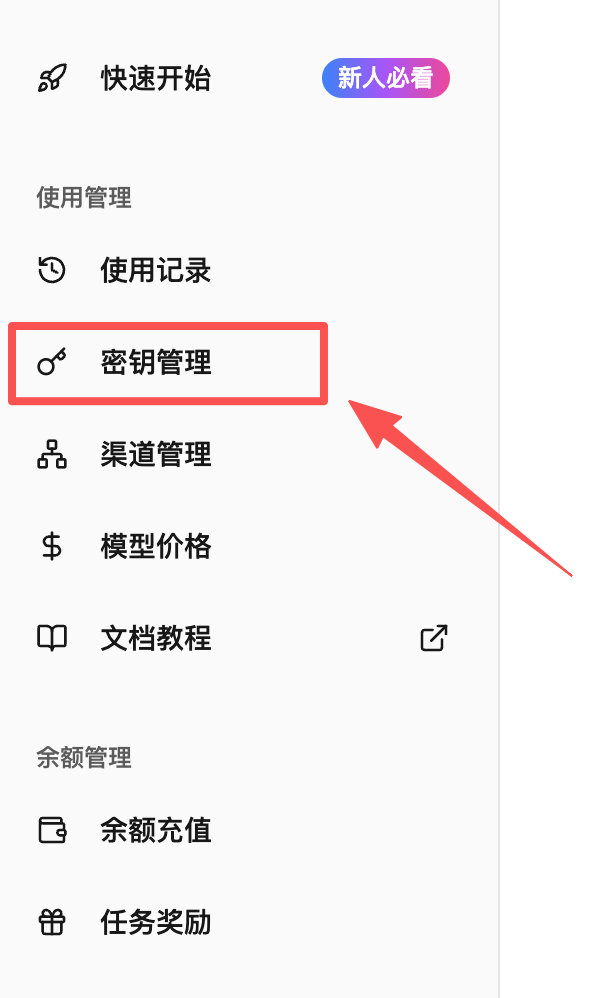
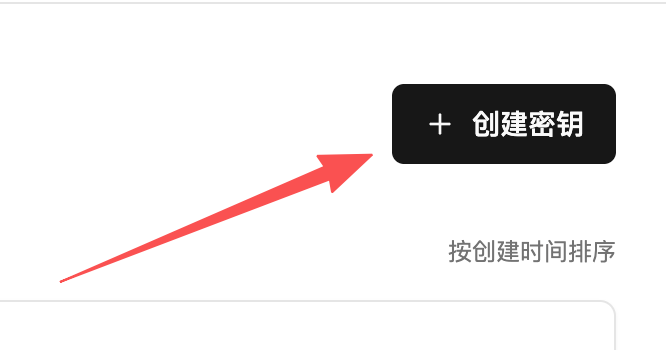
2. Start creating a key
Click Create key at the upper right of the key management page to open the dialog.
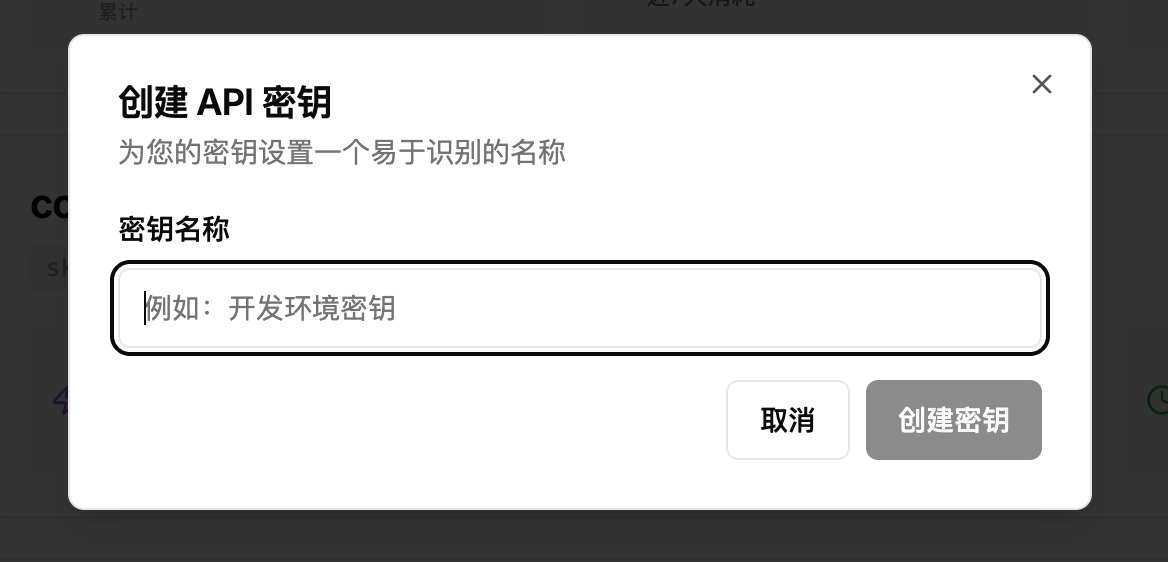
3. Choose a recognizable name
Enter a name for the new key. A useful name helps you identify its purpose later.
Naming suggestions
Choose a name that fits the way you use the key:
- By project: “E-commerce integration” or “Internal test project”.
- By team member: “Alex's development key” or “Sam's test key”.
- By device: “Office desktop” or “My MacBook Pro”.
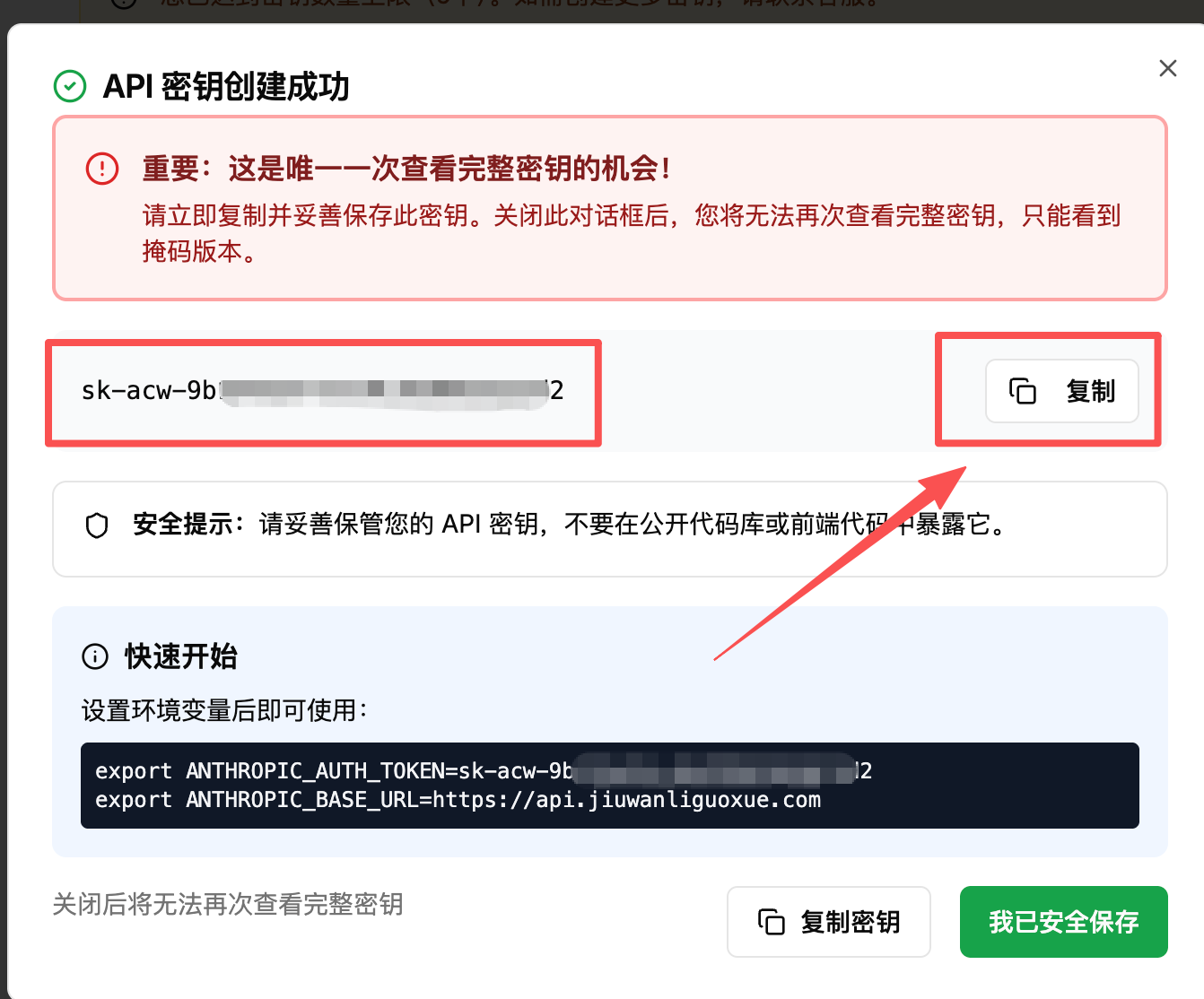
4. Save the key immediately
After you enter the name and confirm, the system generates and displays your key.
Important security information
- This is the only time you can see the complete key.
- For security, the system does not store the plaintext key.
- Once you close this window or refresh the page, you cannot view the key again.
If you lose a key, you cannot recover it. Delete the old key and create a new one.
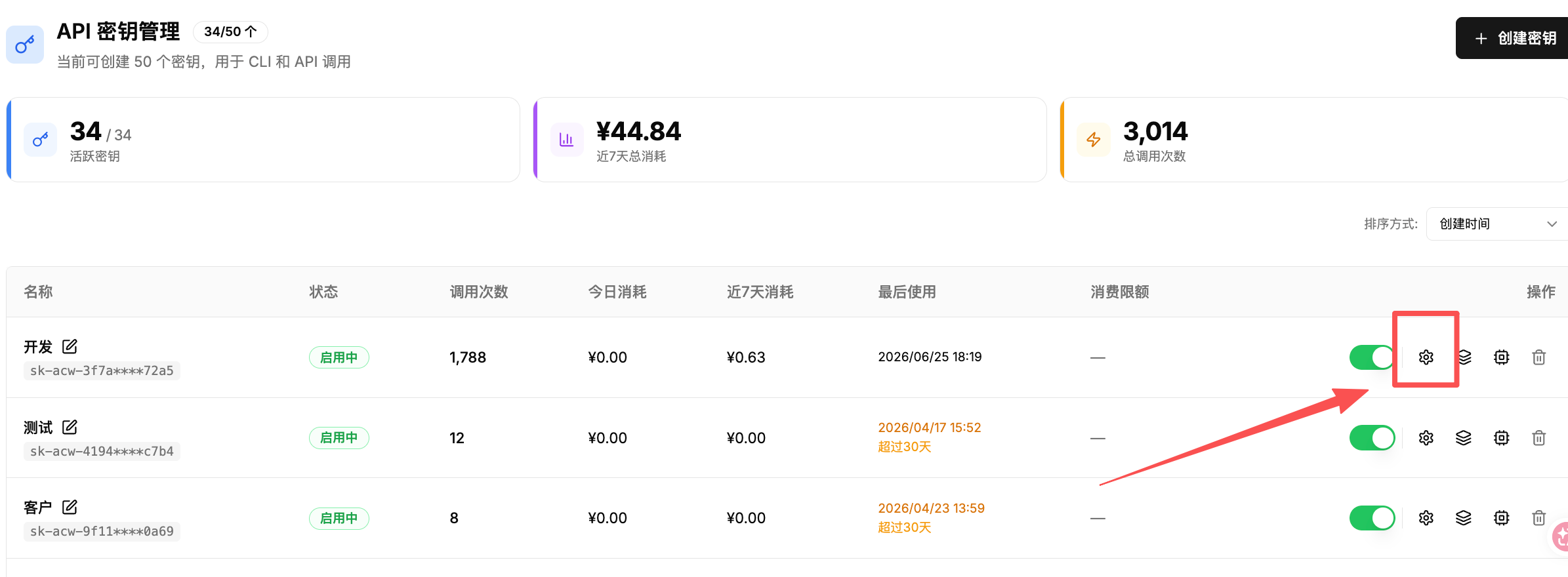
5. Configure optional key restrictions
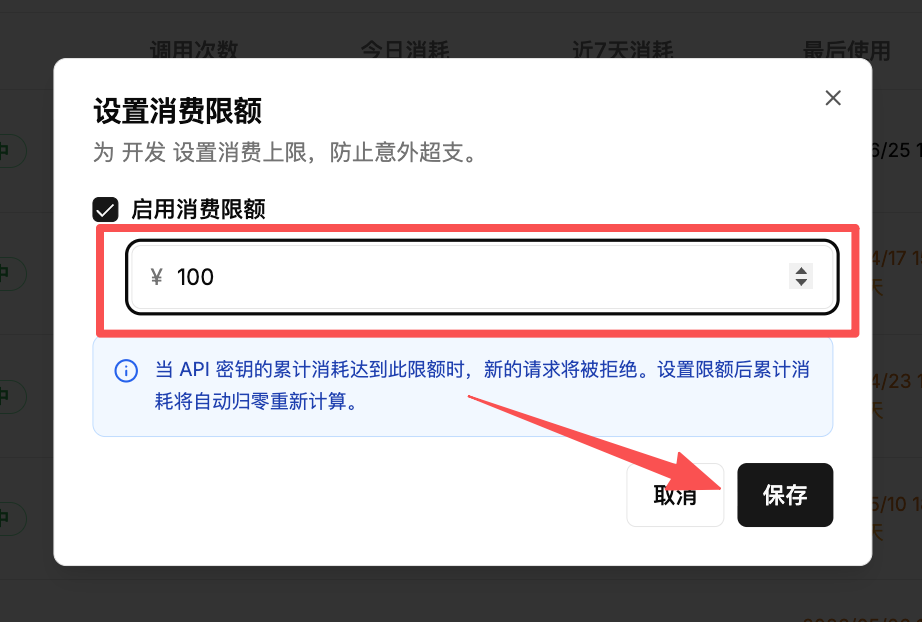
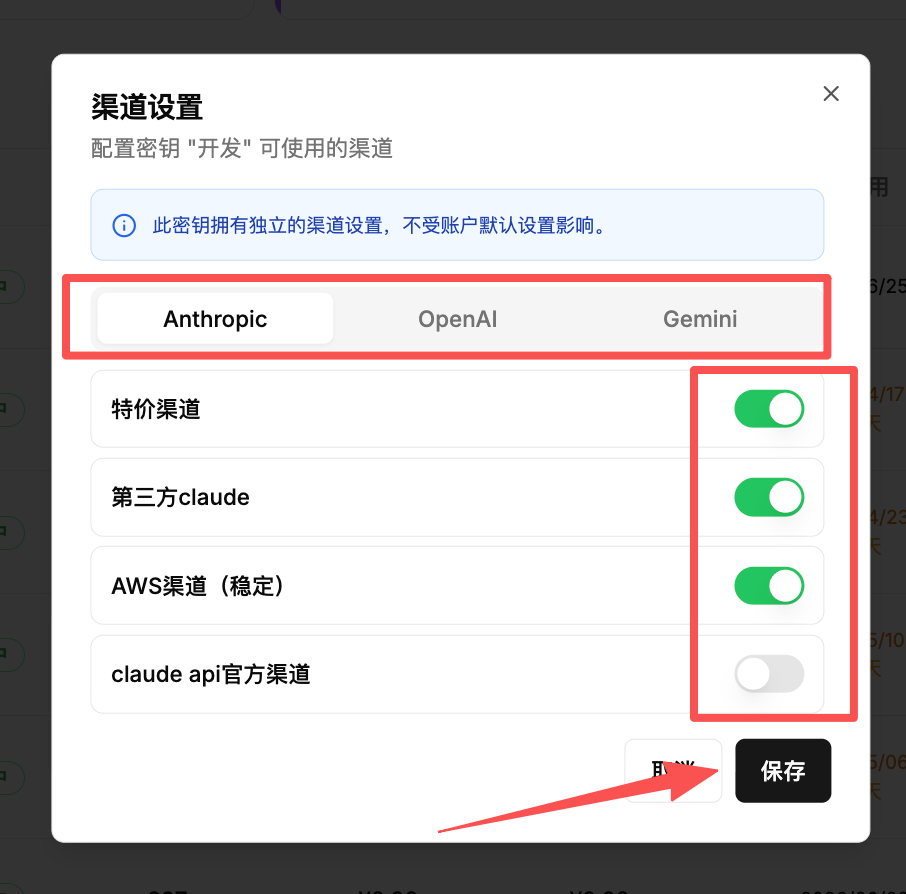
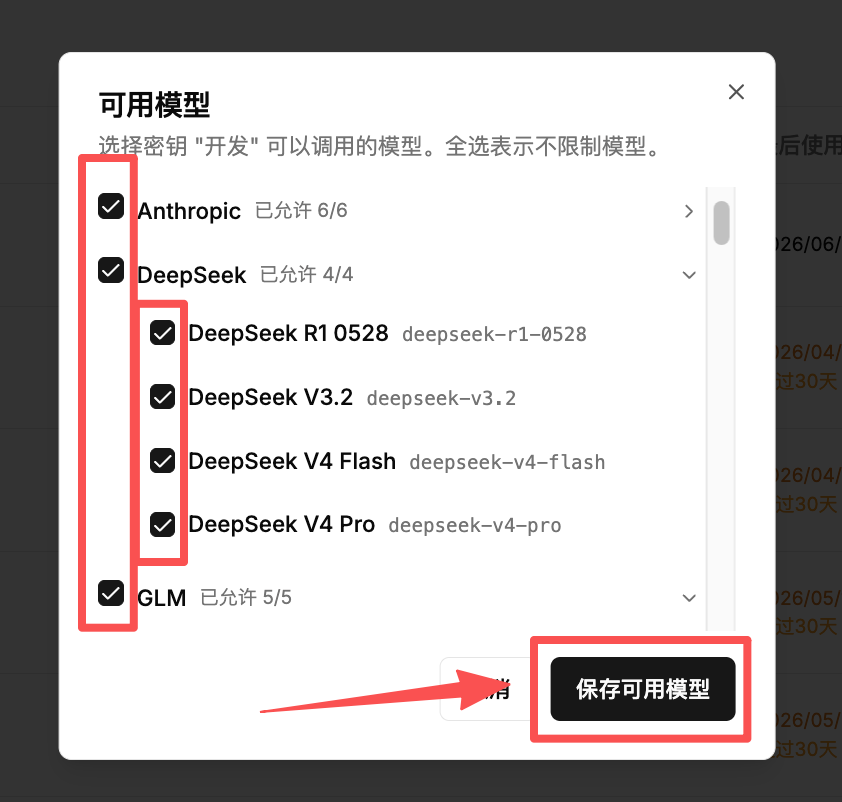
If you do not need to limit spending, channels, or models for a key, you can leave these settings unchanged.
- Set the key's spending limit.
- Restrict the channels the key can use.
When all channels are enabled in channel management, the key's own channel restrictions still apply. For example, if an Anthropic key permits only the discounted and third-party channels, it can use only those two channels.
- Restrict the models the key can use.
Limits
The platform sets a default key count limit to protect account security and manage resources.
- Default limit: each account can have up to 5 active keys.
- More keys: contact customer support if your business needs additional keys. The team will assess your needs and adjust the limit where appropriate.