
Input
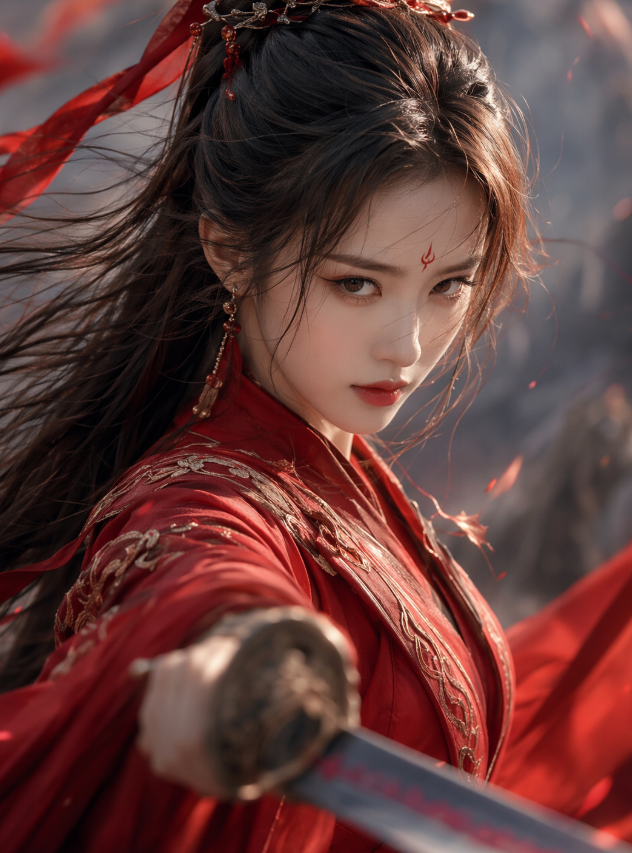
A description of the desired elements and visual style for the generated video. Input in any language is supported. The length is limited to 5,000 non-Chinese characters or 2,500 Chinese characters. Content exceeding this limit is automatically truncated. Image referencing: In the prompt, use "[Image 1]" and "[Image 2]" to refer to the corresponding reference image in the media array. The order must be consistent with the order in the media array. When using a reference, specify the object in the image, such as "the woman in a red qipao in [Image 1]".125/5000
reference_image
File 1
File 2
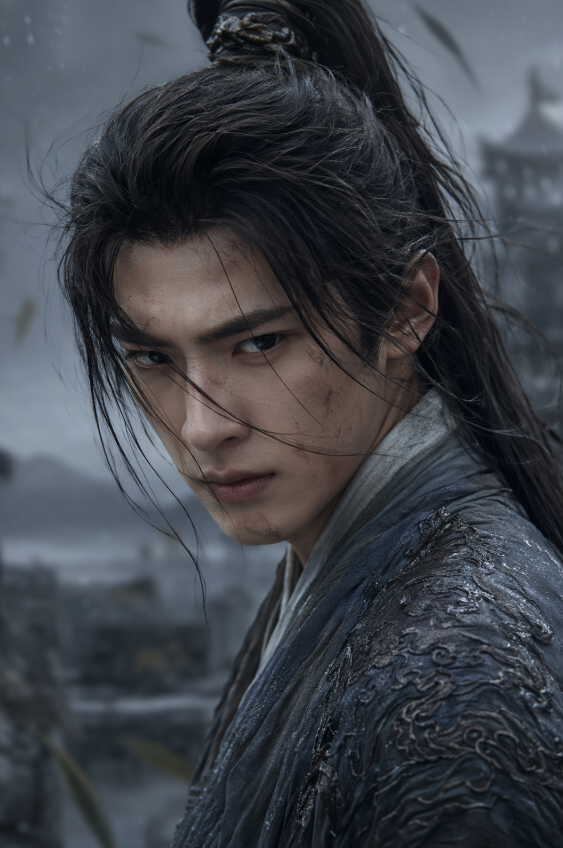
File uploads require configured image storage. A public HTTPS image URL can be used directly.
The URL of a reference image. Image requirements: 1. Formats: JPEG, JPG, PNG, WEBP. 2. Resolution: The shortest side must be at least 400 pixels. A clear image with a resolution of 720P or higher is recommended. Avoid using images that are too small, blurry, or overly compressed, as this can degrade the output quality. 3. Maximum file size: 20 MB.
The resolution tier of the generated video.
The aspect ratio of the generated video.
The duration of the generated video, in seconds. Value range: An integer from 3 to 15.
Output
Explore more Text to Video models
Latest and popular AI models
README
Complete guide to using happyhorse-1-1/reference-to-video