
Scene Template · Macro Video PromptFixed Model: veo-3-1 · Duration Option: 8 (8s)

AI ASMR Generator: Macro Video Prompt Template (Veo 3.1)

Enter a tactile object and slow-motion trigger action below to assemble an 8-second macro ASMR video prompt for Google Veo 3.1.

Build & Run Your AI ASMR Video Prompt

Fill in the object and trigger action below or load a preset example. The page shows the catalog price of veo-3-1 at fixed option 8 (8 seconds) before sign-in, then your live USD quote and wallet balance before running. Review your options and price before generating.

Fixed Model: veo-3-1 · Duration Option: 8 (8s)Google Veo 3.1
Quick-load preset inputs:
77/220

Specify the material texture, translucency, and resting surface (kinetic sand, soap block, honeycomb, glass beads).

101/260

Describe the slow physical interaction and desired tactile sound (slicing, pressing, cracking, brushing).

Assembled English Prompt510/2000 chars

Extreme macro close-up ASMR video of a pastel turquoise and coral layered kinetic sand cube on a matte slate board during a polished steel blade slowly slicing clean ribbons that crumble with crisp granular crunching sounds. Crisp, high-definition tactile Foley sound of every subtle crunch, slice, and surface friction; no speech, no voiceover, no background music. Bright studio macro lighting, razor-sharp surface textures, shallow depth of field, smooth slow motion, no human faces, no text, no watermarks.

Locked model: veo-3-1·Locked option: 8 (8-second clip duration (fixed option 8))

The selected option’s price is shown below; generated results can be played and downloaded.

Catalog price: $0.375 USD · as of

Live Session Output
Ready

Play and download your result here after generating.

The selected option’s price is shown below; generated results can be played and downloaded.

Billing note: Funds are reserved up to your confirmed quote and charged only when settled; released holds return to your balance automatically.
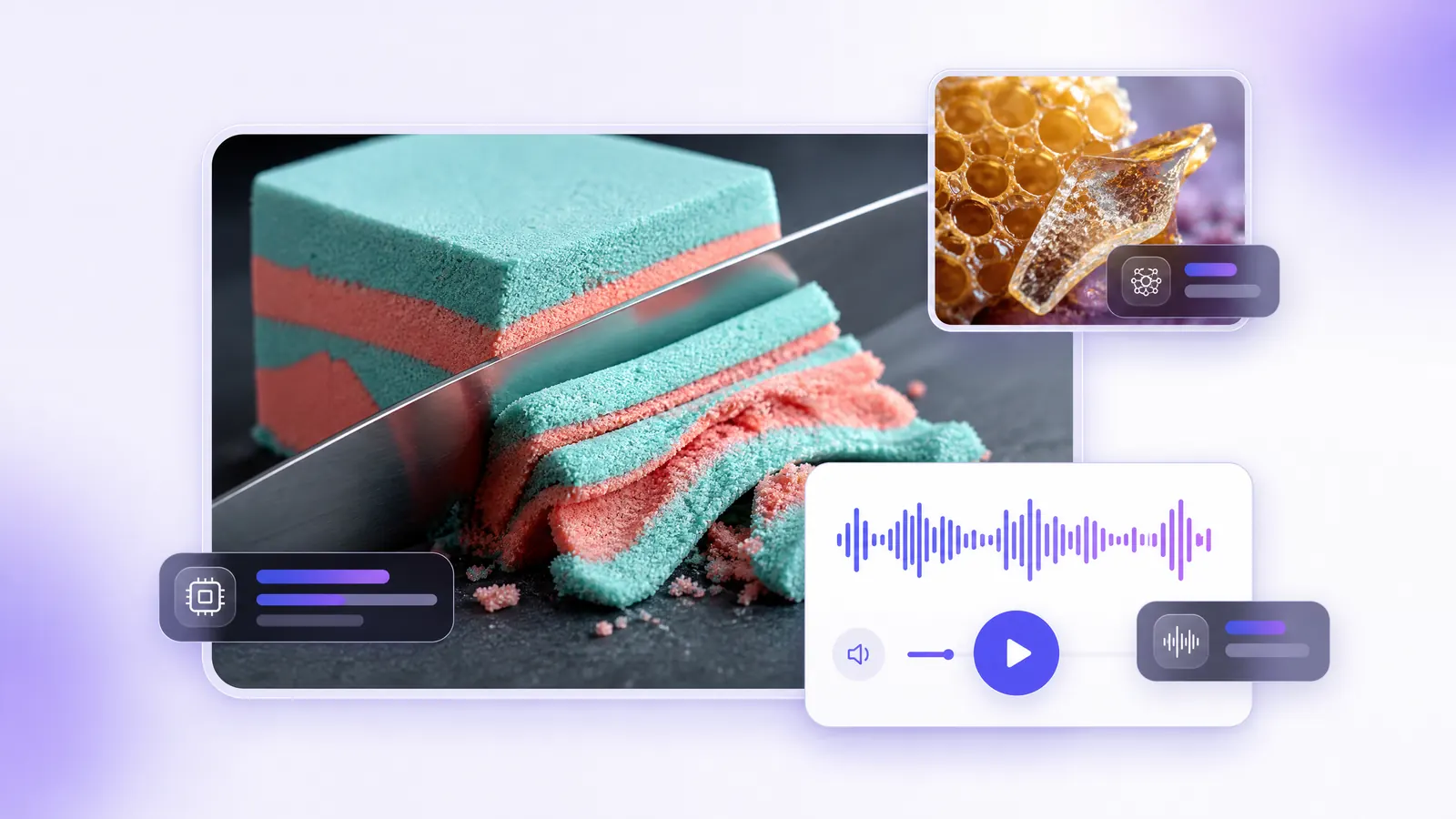
AI ASMR video template illustration: a steel blade slicing a turquoise and coral kinetic sand cube in macro, with an audio waveform player

This AI ASMR generator and AI ASMR video generator template builds structured macro close-up prompts for Google Veo 3.1 (veo-3-1, fixed 8-second duration). Enter two fields—your tactile object/material and the physical trigger action—and the template assembles an English prompt specifying studio macro lighting, razor-sharp surface textures, crisp tactile Foley cues, and negative rules against speech or background music.

Important audio disclosure: while the prompt explicitly requests crisp tactile Foley sound with no voiceover or music, audio output quality and presence depend on the upstream model run and are not pre-verified or guaranteed. Creators producing finished ASMR reels should be prepared to layer or master Foley audio in post-production if needed.

Macro Tactile ASMR Prompt Presets (Text Examples)

See how the Object and Trigger Action fields combine into a full Veo 3.1 macro prompt. Click either preset in the generator above to populate the form.

Note: The cards below are structured prompt and input examples, not pre-rendered videos or verified audio demonstrations. Audio and visual results vary per live generation run.

Prompt Preset #1veo-3-1 · 8

Translucent Kinetic Sand Precision Slicing

Macro studio shot of a steel blade slicing a layered turquoise-and-coral kinetic sand cube into crumbling ribbons.
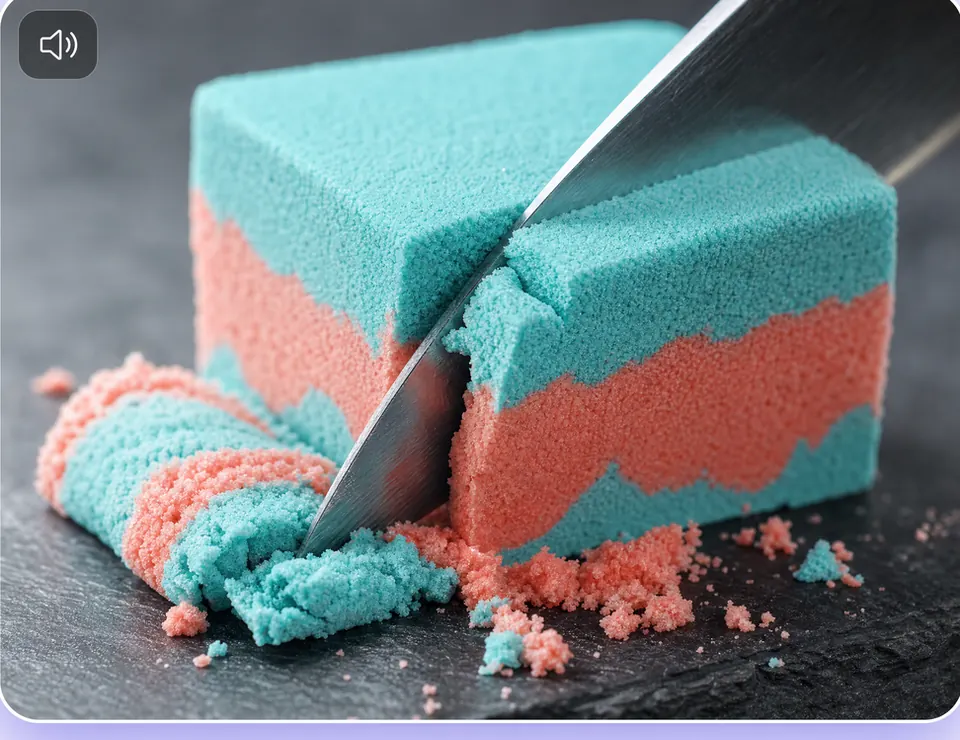
Preset illustration: a macro steel blade slicing turquoise and coral kinetic sand
Illustration
Structured Input Fields
Tactile Object & Surface Material: a pastel turquoise and coral layered kinetic sand cube on a matte slate board
Trigger Action & Sound Texture: a polished steel blade slowly slicing clean ribbons that crumble with crisp granular crunching sounds
Assembled English Prompt
Extreme macro close-up ASMR video of a pastel turquoise and coral layered kinetic sand cube on a matte slate board during a polished steel blade slowly slicing clean ribbons that crumble with crisp granular crunching sounds. Crisp, high-definition tactile Foley sound of every subtle crunch, slice, and surface friction; no speech, no voiceover, no background music. Bright studio macro lighting, razor-sharp surface textures, shallow depth of field, smooth slow motion, no human faces, no text, no watermarks.
Text preset example (load into generator above)
Prompt Preset #2veo-3-1 · 8

Honeycomb & Crisp Sugar Glass Pressing

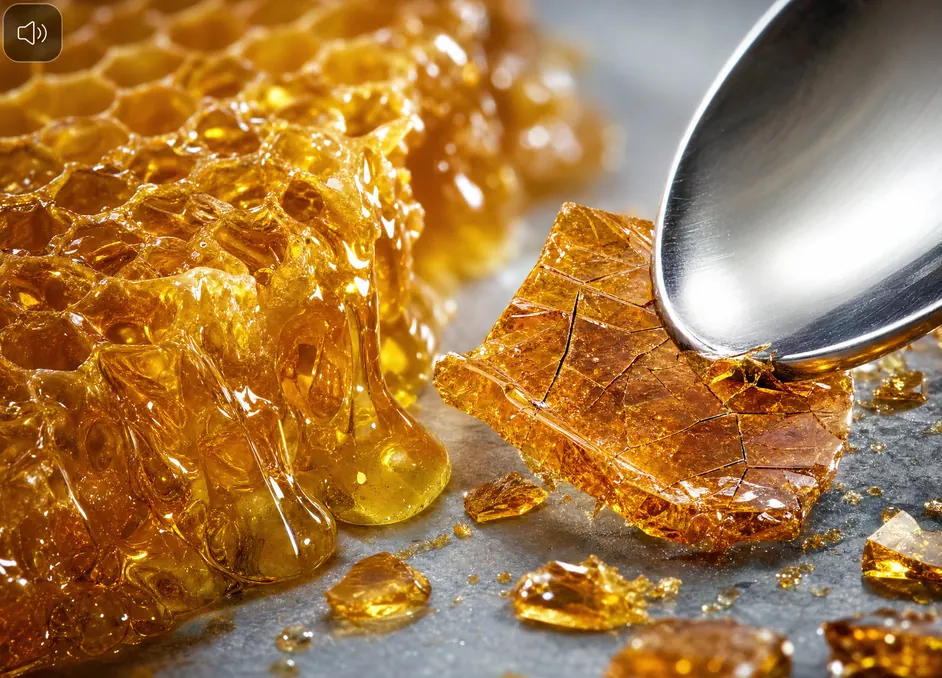
Close-up of a wooden spoon cracking a thin translucent sugar shell over golden honeycomb to release slow amber honey.

Preset illustration: macro golden honeycomb and cracked sugar glass under a steel spoon
Illustration
Structured Input Fields
Tactile Object & Surface Material: a glistening golden honeycomb topped with paper-thin translucent sugar glass on a ceramic dish
Trigger Action & Sound Texture: a wooden spoon gently pressing down to crack the brittle sugar shell and release slow-flowing amber honey with delicate crackling sounds
Assembled English Prompt
Extreme macro close-up ASMR video of a glistening golden honeycomb topped with paper-thin translucent sugar glass on a ceramic dish during a wooden spoon gently pressing down to crack the brittle sugar shell and release slow-flowing amber honey with delicate crackling sounds. Crisp, high-definition tactile Foley sound of every subtle crunch, slice, and surface friction; no speech, no voiceover, no background music. Bright studio macro lighting, razor-sharp surface textures, shallow depth of field, smooth slow motion, no human faces, no text, no watermarks.
Text preset example (load into generator above)

How to Build an AI ASMR Video Prompt in 3 Steps

Visual and tactile ASMR clips rely on extreme close-up framing, slow motion, and clean surface friction cues without distracting voiceovers or background music.

1. Define the Tactile Object & Surface Material

Describe a highly textured material and its resting surface—such as layered kinetic sand on matte slate, brittle sugar glass over honeycomb, or carved soap cubes.

2. Specify the Physical Trigger & Foley Cues

Describe a single slow-motion interaction (slicing with a steel blade, cracking a brittle shell with a wooden spoon) and inspect the assembled prompt with built-in no speech, no voiceover, no background music constraints.

3. Review the Price and Run on Veo 3.1

The catalog price is available before sign-in; your account shows a live USD quote and wallet balance before you run. Submitting places a temporary hold that is automatically released if the upstream task fails.

Why Use a Fixed Macro ASMR Template Instead of a Blank Prompt?

People searching for an AI ASMR generator often struggle with two issues when prompting video models from scratch: the camera pulls too far back to see surface grain, or the prompt omits audio negative constraints and ends up with unwanted narration or synth music. This template locks in extreme macro framing, shallow depth of field, and explicit Foley-only sound instructions.

Need full duration flexibility or API request parameters? You can copy the assembled prompt and open the Veo 3.1 model page (/models/veo-3-1) or the Video Generation API guide (/docs/media-video).

DimensionThis Scene TemplateBlank Model Prompt Box
Framing & lightingPre-locked extreme macro close-up, studio lighting, shallow depth of fieldMust specify macro lens and lighting manually
Audio prompt cuesIncludes tactile Foley cues + no speech, no voiceover, no background musicEasy to forget negative audio constraints
Model & duration lockveo-3-1 fixed at option 8 (8-second clip)Manual choice among 4s, 6s, and 8s options
Audio verification statusPrompt-guided only; audio output is not guaranteed and may require post-production FoleyPrompt-guided only; audio output is not guaranteed and may require post-production Foley

Fixed Model & Gateway Execution Details

This template executes directly on the UniRoute media gateway using the same authentication, live quote, and idempotent recovery pipeline as /models/veo-3-1.

Runtime Model ID
veo-3-1 (Google Veo 3.1 Text-to-Video)
Fixed Option Key
8 (8-second duration option)
Accepted Input Mode
Text prompt only (assembled from Object + Action fields, <= 2000 chars)
Pricing & Billing Basis
Catalog price before sign-in; live per-task quote and wallet balance in your account; hold is released if the provider fails

Scope & Audio Boundaries

  • Short macro video generator, not a standalone voice/TTS tool: This page generates 8-second macro video clips via veo-3-1, not long-form audio-only whisper tracks.
  • Audio is not pre-verified: Although the prompt specifies crisp tactile Foley sound without speech or music, upstream generation may return variable audio or require post-production Foley editing.
  • Text-only input (no image upload): The veo-3-1 gateway catalog entry accepts text prompts only.
  • Paid execution with automatic hold release: Sign-in and wallet balance are required; failed upstream tasks release the held quote with $0 charged.

Frequently Asked Questions

Does this AI ASMR generator produce video or audio-only files?

It generates an 8-second MP4 video clip using Google Veo 3.1 (veo-3-1, option 8). The prompt targets visual macro triggers—such as kinetic sand slicing and honeycomb cracking—paired with tactile Foley sound descriptions.

Is the ASMR sound guaranteed to be crisp without post-processing?

No. While the template explicitly prompts for crisp tactile Foley sound and forbids speech, voiceover, and background music, generative audio quality varies across individual runs and has not been pre-verified by static sample clips on this page. You may still want to layer or clean up Foley audio in post-production.

Is this AI ASMR video generator free?

No. UniRoute operates on pay-as-you-go USD billing with no free tier. Before sign-in, the page shows the catalog price for veo-3-1 (8 seconds); your account shows a live USD quote and available wallet balance before you run.

What happens if a Veo 3.1 generation task fails?

When you start a task, the gateway holds the quoted USD amount. If the upstream provider fails to complete the task, the hold is automatically released (released billing state) and $0 is deducted from your balance.

Can I upload a reference photo of an object?

No. On the UniRoute gateway, veo-3-1 is configured for text-to-video input only (input_fields: []). Describe your object material and lighting in the first text field instead.

Can I generate 4-second or 6-second Veo 3.1 clips?

This template locks the duration option to 8 seconds so slow-motion slicing and pressing actions have room to unfold. To use the 4 or 6 second options, copy the assembled prompt and open the Veo 3.1 model page (/models/veo-3-1).

Related Models, Docs & Scene Templates