Free AI Image Description Generator
Upload or paste any photo, poster, or screenshot with zero sign-up. Generate detailed image descriptions, reverse-engineered Seedream 5.0 / FLUX prompts, SEO alt text, social captions, or clean OCR text in seconds.
Drop an image here, click to upload, or press Ctrl+V to paste
JPG, PNG, WEBP · Auto-resized locally to ≤1024px · No login required
No image handy? Try a built-in sample:
Upload a picture or pick a sample on the left, then click Generate Description.
What Can This AI Image Describer Generate?
Detailed Description
Rich breakdown of subject, composition, colors, lighting, and setting.
AI Image Prompt
Ready-to-run text-to-image prompt tuned for Seedream 5.0, FLUX.2, and Midjourney.
SEO Alt Text
Concise accessibility and search-friendly alt text under 125 characters.
Social Caption & Tags
Engaging post caption paired with 5–8 clean topical hashtags.
Extract Text (OCR)
Accurate transcription of visible text, labels, signs, and documents.
How to Describe a Picture Online in 3 Steps
1. Upload, Paste, or Pick a Sample
Drop a JPG, PNG, or WEBP file, press Ctrl+V to paste a screenshot, or click one of the 3 built-in samples.
2. Pick Output Mode & Language
Choose Detailed Description, AI Image Prompt, SEO Alt Text, Social Caption, or OCR—plus an optional custom question.
3. Copy or Recreate in One Click
Copy clean text immediately, or send the reverse-engineered prompt straight into Seedream 5.0 or Playground.
Real Image Description Examples


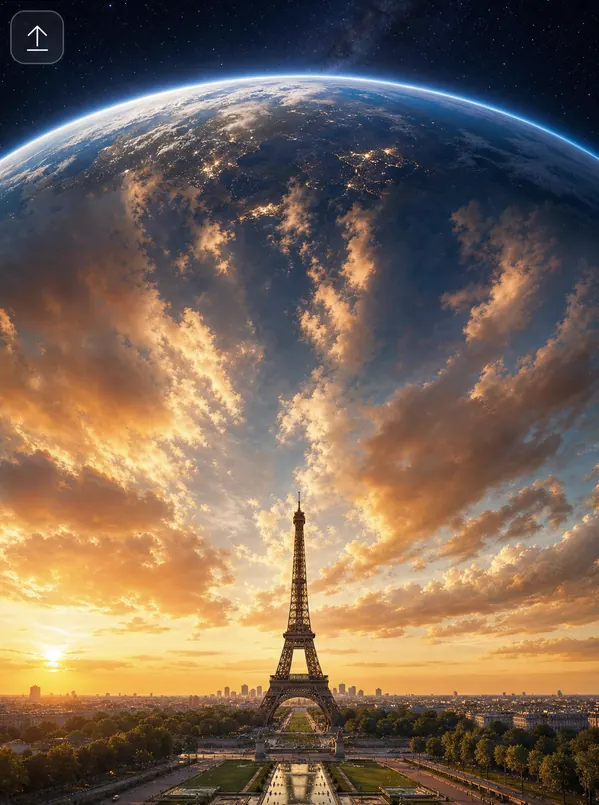
Paris Golden Hour

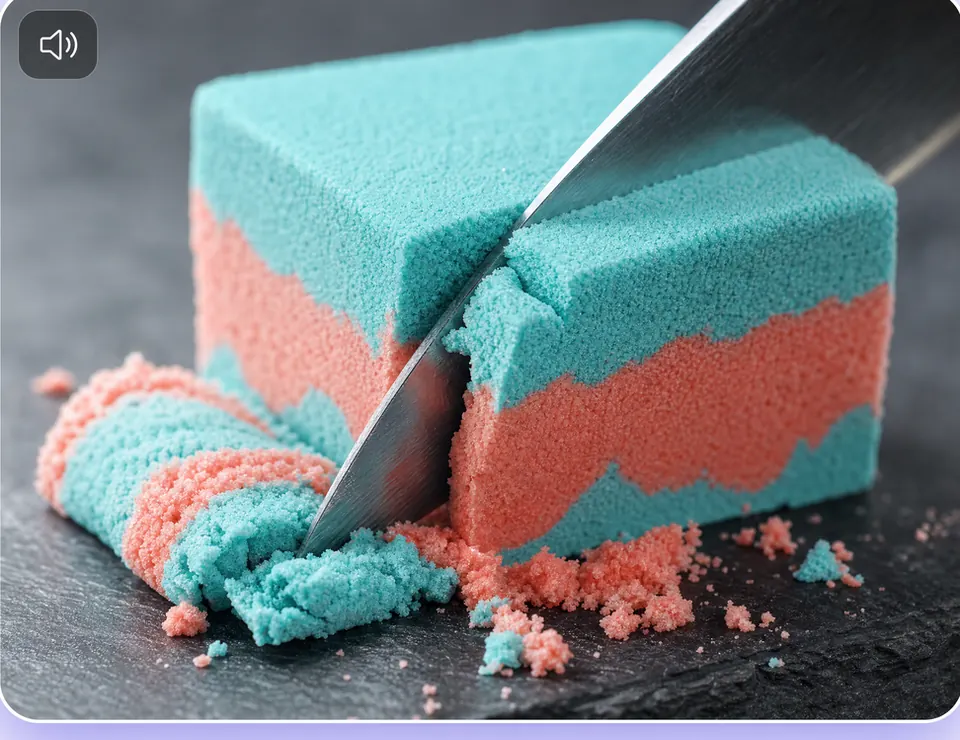
Macro Kinetic Sand
Turn Any Image Description into New AI Art
Once you extract a structured prompt from any reference photo, run it directly on ByteDance Seedream 5.0, FLUX.2, or Nano Banana 2 on UniRoute—pay as you go with no monthly subscription.
Frequently Asked Questions
Is this AI image description generator really free with no login?
Yes. You can upload, paste, or test sample images and generate descriptions, alt text, OCR, and AI prompts immediately without creating an account. Fair-use protection limits anonymous visitors to 10 free analyses per IP per UTC day.
Do you save or store my uploaded pictures?
No. Your browser resizes the image locally before sending it over HTTPS; our server analyzes it in memory and never writes uploaded images to disk or object storage. History cards are kept solely in your own browser localStorage.
Can I turn an image description into a Seedream 5.0 or FLUX.2 prompt?
Yes. Select the AI Image Prompt mode to reverse-engineer subject, lighting, lens, and layout into a clean prompt, then click Generate similar in Seedream 5.0 or Open in Playground to prefill the generator in one click.
Which image formats and file sizes are supported?
JPG, PNG, and WEBP files are supported. Large photos are automatically resized in your browser to 1024px on the longest edge and compressed below 2 MB for fast analysis.
How does the SEO Alt Text mode help my website?
SEO Alt Text mode writes concise, screen-reader-friendly image descriptions under 125 characters without filler phrases like "Image of", helping both accessibility compliance and Google Image Search visibility.
Can I describe images in bulk through an API?
Yes. For automated batch captioning, OCR, or alt-text pipelines, call UniRoute’s OpenAI-compatible Vision API with Claude Haiku or Gemini Flash models using your UniRoute API key.
Need batch image description in code? Call our Vision API →