Loading model…正在加载模型详情…

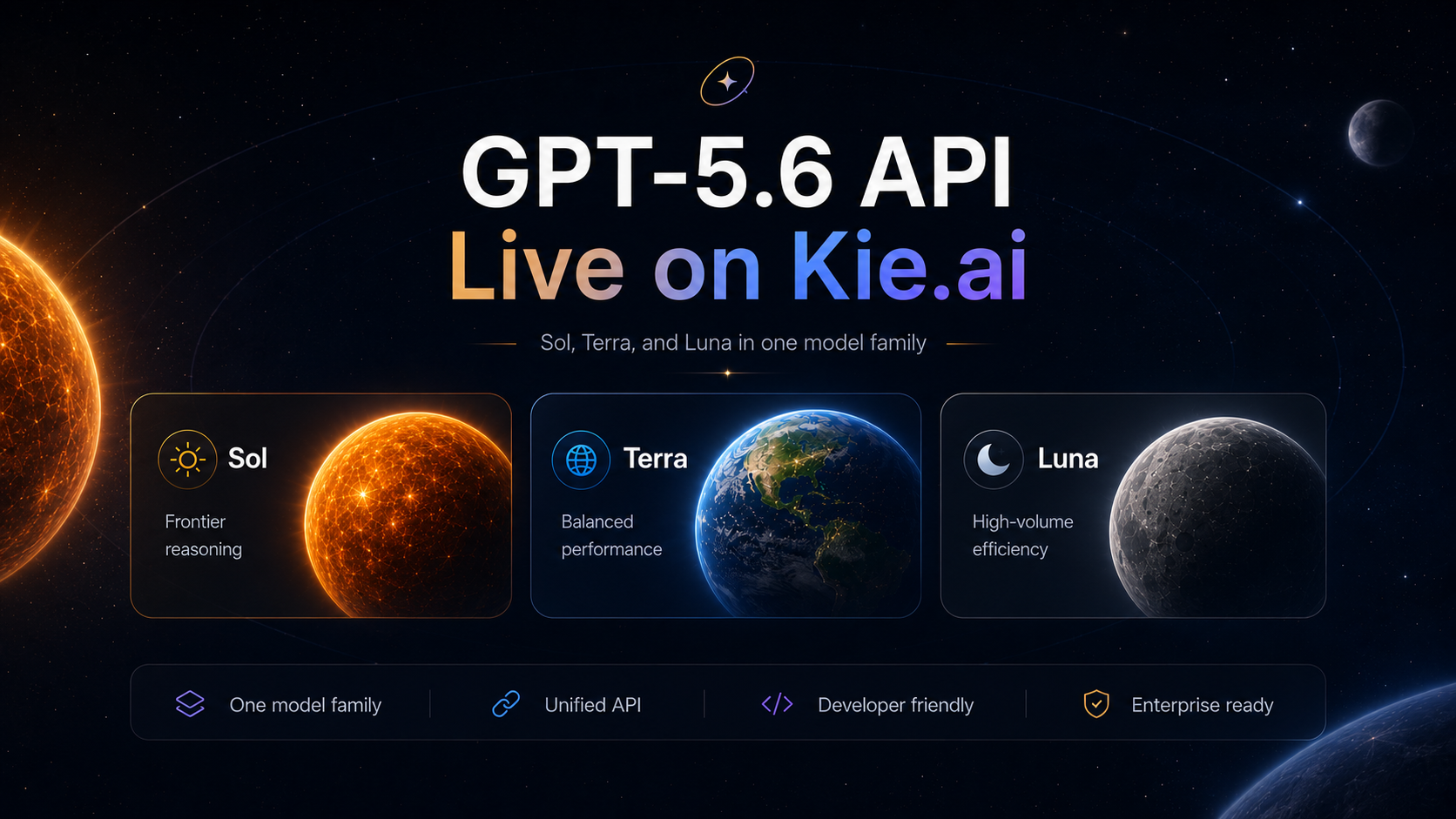
Use OpenAI’s GPT-6 Sol and Luna for text conversations, with the two variants together for comparison.
- From $0.56 in / $2.80 out per 1M tokensSave up to 72%
- OpenAI Responses and OpenAI Chat Completions API
- Text · Questions · Follow-up

What can I help you with?
Use it inCodex CLI setup
What is GPT-6?
GPT-6 Sol and Luna are OpenAI language models. OpenAI positions Sol for demanding professional work and Luna for efficient application use; both support text conversations on UniRoute.
Switch between Sol and Luna for your task, and compare the listed rates and supported API formats before integrating either model.
What you can do
What GPT-6 is built for.
Text conversations
Ask a question, supply relevant context and refine the response through follow-up messages.
API integration
Use the model ID and the request formats shown in the API section to add text conversations to your application.
The chat workspace accepts text messages; API formats and available controls are listed below for the selected variant.
Specs & variants
The variants you can call, with their options and prices.
| Variant | Model ID | Modes | Inputs | Output | Price |
|---|---|---|---|---|---|
| GPT-6 Luna | gpt-6-luna | Chat and text generation | OpenAI Responses and OpenAI Chat Completions API | Streaming; Context window: Not stated on this page | $0.10 input / $0.50 output per 1M tokens |
| GPT-6 Sol | gpt-6-sol | Chat and text generation | OpenAI Responses and OpenAI Chat Completions API | Streaming; Context window: Not stated on this page | $0.56 input / $2.80 output per 1M tokens |
Pricing
Priced per token. Input and output are billed separately.
| Usage | Official API | UniRoute | Save |
|---|---|---|---|
| Input | $2.00 | $0.56 | Save 72% |
| Output | $10.00 | $2.80 | Save 72% |
| Cache read | $0.20 | $0.056 | Save 72% |
Official price: developers.openai.com · 2026-11-07
Prices updated 2026-11-08.
Pay as you go from a single USD wallet balance. You see the quote before each request.
API
Call GPT-6 through OpenAI Responses and OpenAI Chat Completions API.
curl 'https://api.uniroute.app/v1/responses' \ -H 'Authorization: Bearer YOUR_API_KEY' \ -H 'Content-Type: application/json' \ -d '{ "model": "gpt-6-sol", "input": "Hello", "stream": false}'from openai import OpenAIclient = OpenAI( api_key="YOUR_API_KEY", base_url="https://api.uniroute.app/v1",)response = client.responses.create( model="gpt-6-sol", input="Hello",)print(response.output_text)curl 'https://api.uniroute.app/v1/chat/completions' \ -H 'Authorization: Bearer YOUR_API_KEY' \ -H 'Content-Type: application/json' \ -d '{ "model": "gpt-6-sol", "messages": [ { "role": "user", "content": "Hello" } ], "stream": false}'Parameters
| Name | In | Description |
|---|---|---|
model | Body | Model ID to run. |
messages | Body | The conversation as a list of role and content messages. |
stream | Body | Set to true to receive the response as a stream. |
input | Body | Text or input items (OpenAI Responses). |
max_output_tokens | Body | Upper limit on generated tokens (OpenAI Responses). |
Guides
Use cases
Typical ways to put GPT-6 to work.
Question answering
Provide background information and ask focused questions, then check the response against your source material.
Draft revision
Share a draft and explain the intended audience so the model can suggest clearer wording.
Application conversations
Connect the documented API format to a conversation flow in your own application.
FAQ
Common questions about GPT-6.
What is GPT-6?
GPT-6 Sol and Luna are OpenAI language models. OpenAI positions Sol for demanding professional work and Luna for efficient application use; both support text conversations on UniRoute.
Which variants can I use?
The variant selector lists the callable model IDs on UniRoute. Unavailable operations are omitted, and the specifications table shows the available options.
How much does GPT-6 cost?
From $0.56 input / $2.80 output per 1M tokens. The Pricing section lists the available rates for the selected variant and settings, with prices updated 2026-11-08.
How do I call it from code?
Create a UniRoute API key and use a request format listed in the API section with the selected model ID.
What inputs does this workspace accept?
The chat workspace accepts text messages. The API section lists the request formats and parameters for the selected variant.
Is there a free trial or free credits?
No. Requests are paid from your wallet balance. You can read this page and review the prices without paying, and you need an account with funds to send a message.
Related models
Other versions, models from the same provider and alternatives.